


Why Proper Shipping Configuration Drives E-commerce Success
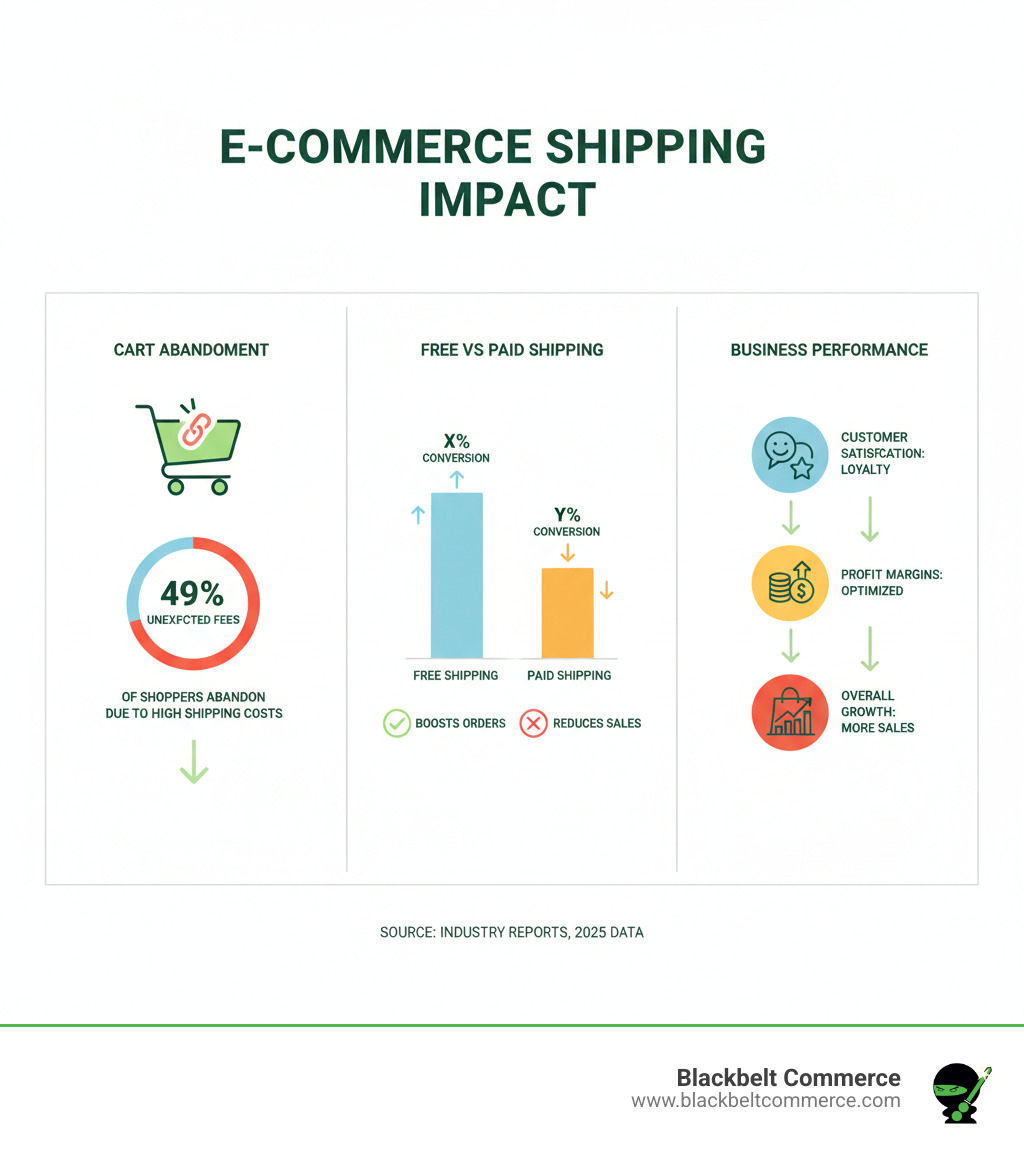
Your Shopify shipping setup is a critical factor in your store’s success, directly influencing whether customers complete a purchase or abandon their cart. Unexpected shipping costs are a primary reason for cart abandonment, making a well-planned configuration essential.
A proper setup impacts three key areas:
- Conversion rates: Clear, fair shipping options reduce cart abandonment.
- Profit margins: An optimized setup prevents shipping costs from eating into profits.
- Customer satisfaction: Fast, reliable delivery builds loyalty and encourages positive reviews.
While order fulfillment can be complex, Shopify provides powerful tools to streamline the process, including discounted rates and automated label printing.
I’m Cesar A Beltran, founder and CEO of Blackbelt Commerce. As a Shopify Plus partner with over 15 years of e-commerce experience, I’ve helped more than 1,000 businesses optimize their Shopify shipping setup. This guide will walk you through every step to get your products moving efficiently and cost-effectively.
Related Shopify Best Practices:
- Shopify Best Practices
- Best Navigation Practice for Shopify
- Best Practices for Shopify Google Shopping
The Foundation: Understanding Your Shopify Shipping Options
Before configuring rates, it’s crucial to understand the core shipping options Shopify provides. The platform is flexible, adapting to various business models, but this requires making smart choices upfront. Key components include delivery methods (shipping, local delivery, pickup), shipping profiles, and Shopify Shipping versus third-party carriers. Matching these choices to your products, customers, and operational capacity is essential for success. For full details, see Shopify’s Shipping and delivery documentation.
Choosing Your Delivery Methods
Your delivery methods impact customer expectations and daily operations. The right mix depends on your business model, product type, and customer location.
- Traditional Shipping: Using carriers like USPS, UPS, and FedEx offers unlimited geographic reach and scalability. Shopify integrations automate label printing and tracking. However, it can involve higher costs and longer transit times than local options.
- Local Delivery: Ideal for businesses in specific geographic areas, like same-day delivery in Manhattan. This method offers cost savings and faster delivery but has limited reach and requires managing delivery logistics.
- Local Pickup: Eliminates shipping costs and drives foot traffic to a physical location. It’s perfect for stores with a retail presence but is limited to customers who can visit in person.
Many stores blend these methods, offering local pickup, local delivery within a city, and traditional shipping for all other customers to maximize reach and profitability.
Understanding Shipping Profiles and Locations
Shopify uses shipping profiles and fulfillment locations to organize your shipping rules.
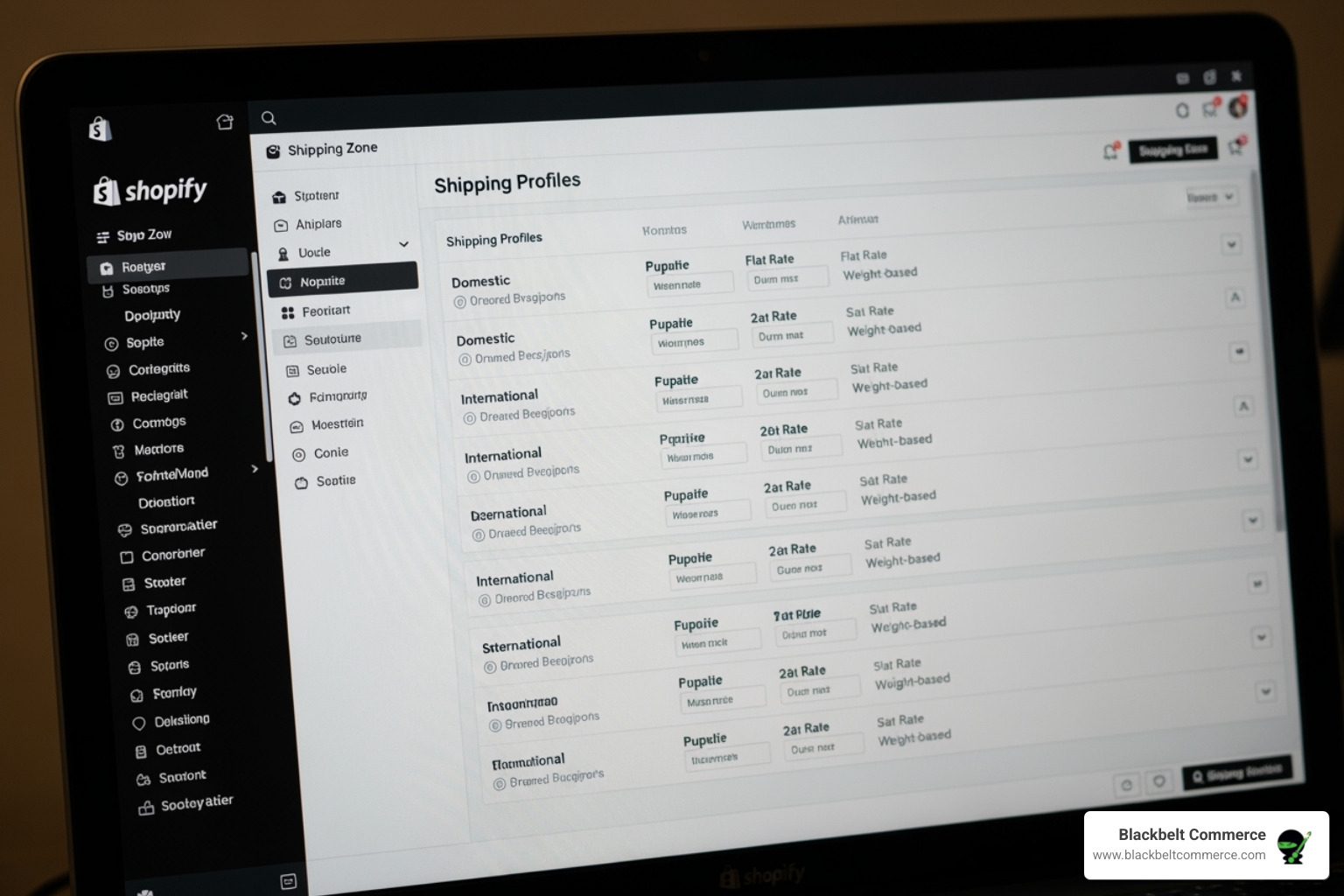
Shipping profiles are custom rulebooks for specific products. For example, you can create a separate profile for heavy or fragile items that require special handling and rates, ensuring you don’t lose money on shipping or overcharge for lightweight goods.
Fulfillment locations are the physical places where inventory is stored and shipped from. These directly impact shipping rates and delivery times. It is critical that a product’s assigned inventory location matches the “ship from” location in its shipping profile to avoid checkout errors. You can learn more about the technical setup in Shopify’s Setting up your locations guide.
A business with warehouses in Los Angeles and New York can use both as fulfillment locations to automatically route orders from the closest facility, reducing shipping costs and transit times.
Your Core Shopify Shipping Setup Guide
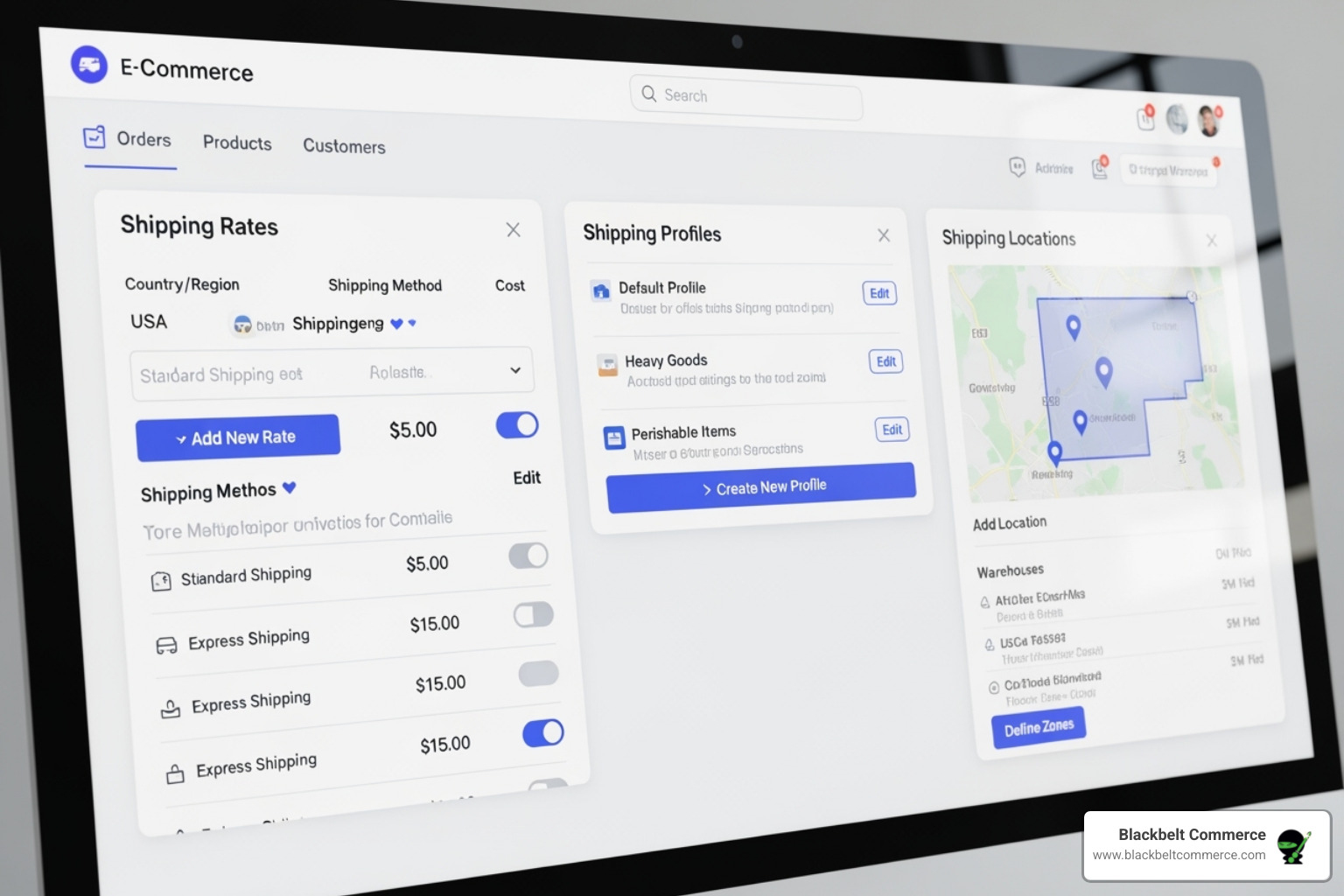
Now we’ll configure your Shopify shipping setup in Settings > Shipping and delivery. A proper configuration prevents unexpected costs at checkout, a major cause of cart abandonment.
Step 1: Configure Product Weights and Packaging
Inaccurate shipping costs often stem from incorrect product weights. It is critical to enter an accurate weight for every product that ships; use a shipping scale for precision.
Next, define your packages. Shopify adds your package weight to the product weight for a total shipping weight.
- Custom packages: Enter the exact dimensions and weight of your own boxes.
- Carrier packages: Use pre-defined options from carriers like USPS or UPS.
Set your most commonly used container as the default package. To save money, order free packaging materials directly from carriers like USPS and UPS by creating a free account with them.
Step 2: Create Shipping Zones
Shipping zones are geographic areas where you define specific shipping rates.
- Domestic zones: A common mistake is grouping Alaska and Hawaii with the continental US. These states often have much higher shipping costs, so create separate zones for them to avoid losing money on shipments.
- International zones: Group countries into logical zones. For example, you might create separate zones for Canada, Europe, and Rest of World, each with its own rate structure.
The goal is to balance simplicity with accuracy. Most stores succeed with 4-6 well-defined zones. For technical steps, refer to Shopify’s guide on Setting up shipping zones.
Step 3: Adding Shipping Rates to Your Shopify Shipping Setup
The rates you set here directly impact conversions.
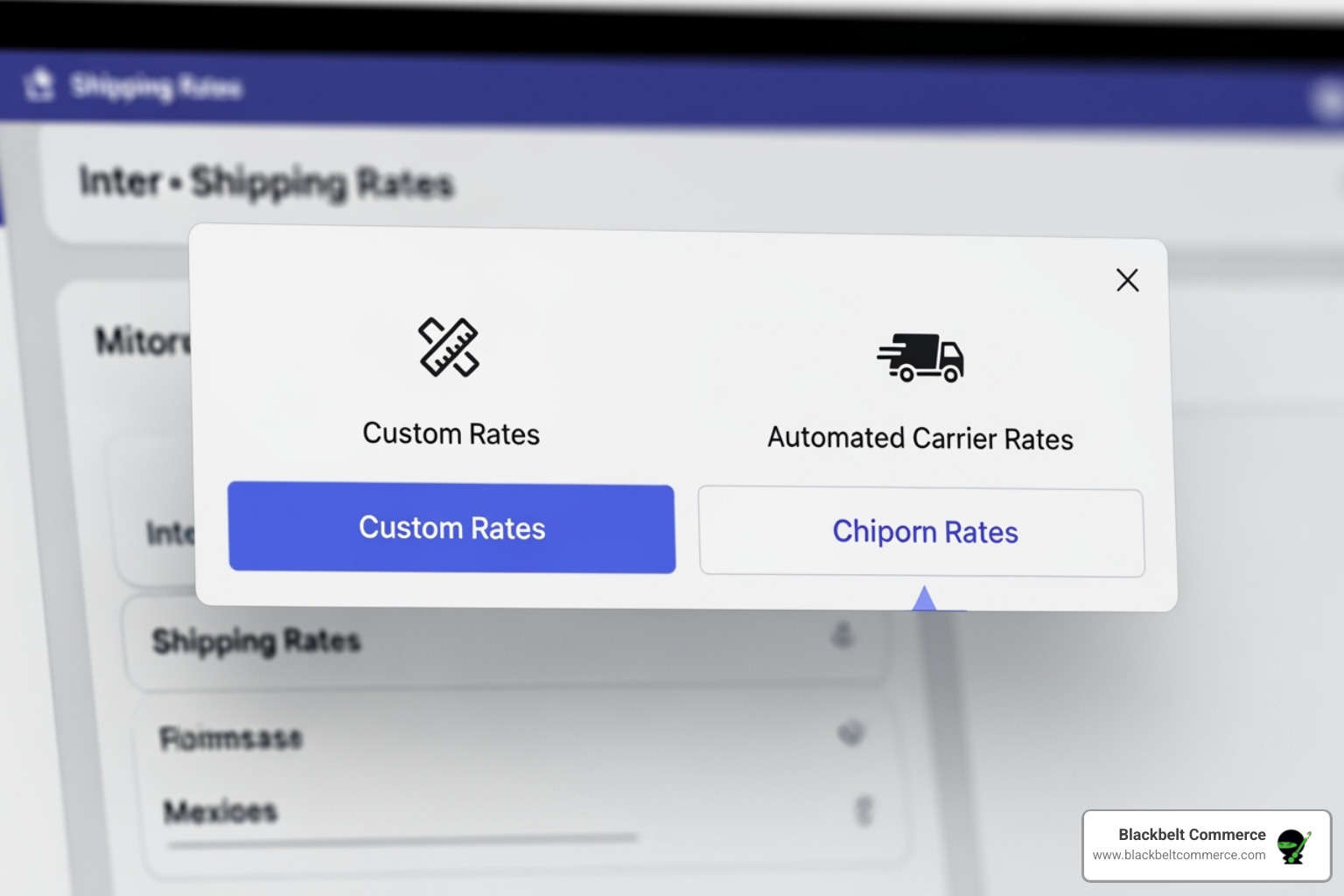
- Flat rate shipping: A single rate for all orders (e.g., $5 standard shipping). It’s simple but can be inaccurate if product sizes and weights vary significantly.
- Price-based rates: Shipping costs are tied to order value (e.g., free shipping over $100). This can encourage larger purchases.
- Weight-based rates: Costs are based on the total cart weight. This requires accurate product weights but provides more realistic pricing.
- Carrier-calculated rates: The most accurate option. Shopify pulls real-time rates from carriers like USPS and UPS at checkout. Customers see precise costs and delivery estimates. This feature typically requires an Advanced Shopify plan or higher.
Offering customers choices based on cost and speed, like “UPS Ground: $8.50 (3-5 days),” improves satisfaction. For more details, see Shopify’s guide on Shipping rates.
Advanced Strategies to Optimize Costs and Conversions
With a solid foundation, you can use your Shopify shipping setup as a competitive advantage to boost profitability and customer loyalty. Smart strategies can increase conversion rates while protecting your margins. Shopify’s Plan your Shipping Strategy guide offers further insights.
Offering Free Shipping Strategically
Customers love free shipping, but it must be implemented carefully to protect your profits.
- Free shipping thresholds: Offering free shipping on orders over a certain value (e.g., $75) encourages customers to add more to their cart, increasing your average order value (AOV).
- Build costs into prices: For products with consistent shipping costs, you can increase product prices to cover shipping and offer “free shipping” on everything.
- Conditional free shipping: Offer free shipping to specific groups, like repeat customers or for certain product categories, to reward loyalty while managing costs.
Navigating International Shipping
International shipping opens up global markets but requires careful planning.
- Customs, Duties, and Taxes: All international packages need accurate customs forms. Be transparent with customers that they are responsible for any import duties and taxes, which are not included in the shipping cost.
- Harmonized System (HS) codes: These 6-digit codes classify products for customs and are mandatory for shipments to the EU. Using them globally can speed up customs clearance. Use the official HTS search tool to find codes for your products and learn more about the system with these resources to learn more.
- International Zones: Create separate shipping zones for regions like Canada, Europe, and “Rest of World” with rates that reflect actual carrier costs.
Using Third-Party Apps and Carrier Accounts
For complex needs, the Shopify App Store offers powerful solutions. Apps like ShipStation, Shippo, and AfterShip can help manage multiple carriers, compare rates, and improve post-purchase tracking.
If you have negotiated rates with carriers like USPS or UPS, you can connect your accounts to Shopify to use those rates. This feature is typically available on the Advanced Shopify plan or higher. Learn more about Third-party carrier-calculated shipping rates.
For unique business requirements that standard apps can’t solve, custom development is the answer. Our team at Blackbelt Commerce can Explore custom Shopify web design solutions to build sophisticated shipping logic custom to your needs.
Managing Orders and Troubleshooting
An effective Shopify shipping setup requires efficient order fulfillment and troubleshooting. A smooth process from order placement to unboxing builds customer loyalty. For a complete overview, see Shopify’s guide on Setting up shipping and order fulfillment.
Printing Labels and Managing Tracking
Shopify Shipping simplifies fulfillment by allowing you to purchase and print discounted labels from carriers like USPS and UPS directly in your admin. This can save up to 60% on shipping costs.
The process is simple: select an order, click “Create shipping label,” confirm package details, and print. Always Print a test shipping label first to check your printer settings.
Once a label is created, Shopify automatically sends the tracking number to the customer via email, providing transparency and reducing “Where’s my order?” inquiries.
Handling Special Scenarios: Subscriptions and Dropshipping
Business models like subscriptions and dropshipping require special attention.
- Subscriptions: Using an app like Recharge, you can have shipping rates dynamically recalculated for each recurring order or retain the original rate. Be mindful of mixed carts containing both subscription and one-time items, and set up fallback rates in your subscription app.
- Dropshipping (Shopify Collective): As a supplier, the shipping rates you set in your price lists (e.g., flat rate or calculated) are what the retailer’s customer sees at checkout. The platform automatically resolves conflicts if a product is in multiple price lists. Shopify’s Shopify Checkout integration guide has more details.
Troubleshooting Your Shopify Shipping Setup
Knowing how to fix common issues is crucial for smooth operations.
- Checkout Failures (“shipping not available”): This often results from a mismatch between a product’s assigned inventory location and the “Shipping from” location in its shipping profile. Ensure these two locations are consistent.
- Rate Calculation Issues: Inaccurate rates are usually caused by incorrect product or package weights, improperly configured shipping zones, or flawed rate conditions. Regularly audit these settings.
If you’re stuck, contact Shopify support. Their team is experienced with complex shipping configurations and can help diagnose problems quickly.
Frequently Asked Questions about Shopify Shipping
Here are answers to common questions about the Shopify shipping setup.
How do I add multiple shipping options on Shopify?
To offer customers choices like “Standard” and “Express” shipping, go to Settings > Shipping and delivery and select “Manage rates” for a shipping profile. Within a shipping zone, click “Add rate” for each option you want to create.
Use descriptive names that include delivery estimates (e.g., “Economy Shipping (7-10 business days)”) to set clear expectations. You can set flat pricing or use carrier-calculated rates, and add conditions like weight limits or order value thresholds for specific rates.
How does Shopify calculate shipping costs?
Shopify calculates shipping based on several factors:
- Total Weight: The sum of all product weights in the cart plus the weight of your default package.
- Package Dimensions: The size of the shipping box.
- Origin and Destination: The distance between your fulfillment location and the customer’s address.
- Rate Type: For flat or tiered rates, Shopify applies the rules you’ve set. For carrier-calculated rates, it pulls real-time pricing directly from carriers like USPS and UPS.
Shipping profiles can also apply special rules for specific products.
How do I handle returns and print return labels?
A smooth return process can build customer loyalty. Start with a clear, accessible return policy on your site.
With Shopify Shipping, you can create return labels directly from an order in your admin. You can choose to deduct the cost of the return label from the refund or cover it. Shopify emails the pre-paid label to the customer for them to print. For detailed steps, see Shopify’s guide on Return labels.
Processing refunds promptly and communicating clearly throughout the process turns a potentially negative experience into a positive one.
Conclusion
Mastering your shopify shipping setup is about creating a seamless customer experience that reduces cart abandonment, protects profit margins, and builds loyalty. By correctly configuring weights, zones, and rates, you turn shipping from a necessary cost into a powerful sales tool.
While Shopify’s built-in features are robust, complex businesses often require more. If you’re dealing with unique product requirements, scaling rapidly, or need logic that standard settings can’t provide, custom development is the key to open uping a true competitive advantage.
At Blackbelt Commerce, we specialize in creating conversion-focused, custom Shopify solutions. With over 15 years of experience, our team builds sophisticated shipping logic for businesses with ambitious goals. We solve the complex problems that cookie-cutter approaches can’t handle.
Ready to transform your shipping strategy?
- For a solution custom to your growth, Get a custom Shopify Plus solution.
- For help with a specific shipping challenge, Book a strategy call with us and let our experts find a solution.
Quick Answer: shopify shipping setup
Shopify shipping services help merchants present delivery choices, rates, fulfillment workflows, tracking, and post-purchase communication in a way customers can trust. Strong shipping setup supports conversion because shoppers need clear costs, timelines, and delivery expectations before they complete checkout.
Want a sharper Shopify growth plan?
If this article connects to a current store decision, use the calendar to book a strategy call and turn the idea into a practical plan.
Key Takeaways
- shopify shipping setup should answer the reader’s immediate question and then connect the advice to a practical Shopify business decision.
- The article should feel specific, useful, and worth sharing rather than like a generic SEO insert.
- Internal links should reinforce the home page, Shopify experts, Shopify Plus agencies, and the most relevant service pages.
- The commercial bridge should connect the topic to the Shopify Growth, CRO, and Store Optimization cluster without interrupting the educational flow.
- The same-page Calendly CTA should let qualified readers book a strategy call without leaving the article.
How this connects to your Shopify growth strategy
This article should remain useful for readers researching shopify shipping setup, but it also needs to show when the topic becomes a business decision. For the Shopify Growth, CRO, and Store Optimization cluster, the commercial bridge is practical: once the reader understands the concept, the next step is deciding whether their current Shopify setup can support the desired experience, conversion path, and operational workflow. That is where expert planning, design, development, CRO, and SEO support can turn the idea into measurable store improvements.
Want a sharper Shopify growth plan?
Use this guide as a decision tool. Then book a strategy call when you want a practical roadmap for your store.
Related Shopify resources
These internal resources support the Shopify Growth, CRO, and Store Optimization topic cluster and help connect this guide to stronger commercial next steps:
- Shopify CRO
- Shopify experts
- Shopify Plus agencies
- Shopify CRO — Parent service page for the reader’s next commercial step
- Blackbelt Commerce — Home-page authority link for brand and core Shopify expertise
- Shopify experts — Money-page link requested for expert-hiring intent
- Shopify Plus agencies — Money-page link requested for high-growth and Plus-agency intent
- Shopify custom development — Development service page for implementation and technical help
- Shopify checkout optimization — Related conversion article
- Shopify conversion optimization — Related CRO article
Questions store owners ask before taking action
Why does shopify shipping setup matter for Shopify merchants?
shopify shipping setup matters when it affects customer trust, store performance, conversion, operations, or the ability to grow without avoidable rework.
What should the reader do first?
They should identify the business goal, review the current customer journey, and decide which improvement would have the clearest impact.
How do internal links help this article?
Internal links connect the educational topic to related service pages, Shopify experts, Shopify Plus agency support, and deeper resources.
When is expert help useful?
Expert help is useful when the decision affects revenue, SEO, conversion, integrations, technical implementation, or a high-risk store change.
How does this article support lead generation?
It educates first, then gives qualified readers a same-page option to book a strategy call when they need help applying the advice.
Future articles needed for topical dominance
To build deeper topical authority around this cluster, these supporting topics should be created later and linked back into this article:
- Shopify Shipping Setup Checklist for Shopify Store Owners: Creates a practical support article that turns the Shopify Growth, CRO, and Store Optimization topic into an actionable review tool.
- Common Shopify Shipping Setup Mistakes and How to Avoid Them: Captures problem-aware searches and gives BBC a natural place to explain implementation risks without hard selling.
- When to Hire Shopify Experts for Shopify Shipping Setup: Connects informational demand to the expert-hiring money page while preserving educational intent.
Want a sharper Shopify growth plan?
Ready to turn the advice in this article into an action plan? Open the calendar here and choose a time that works for you.

