

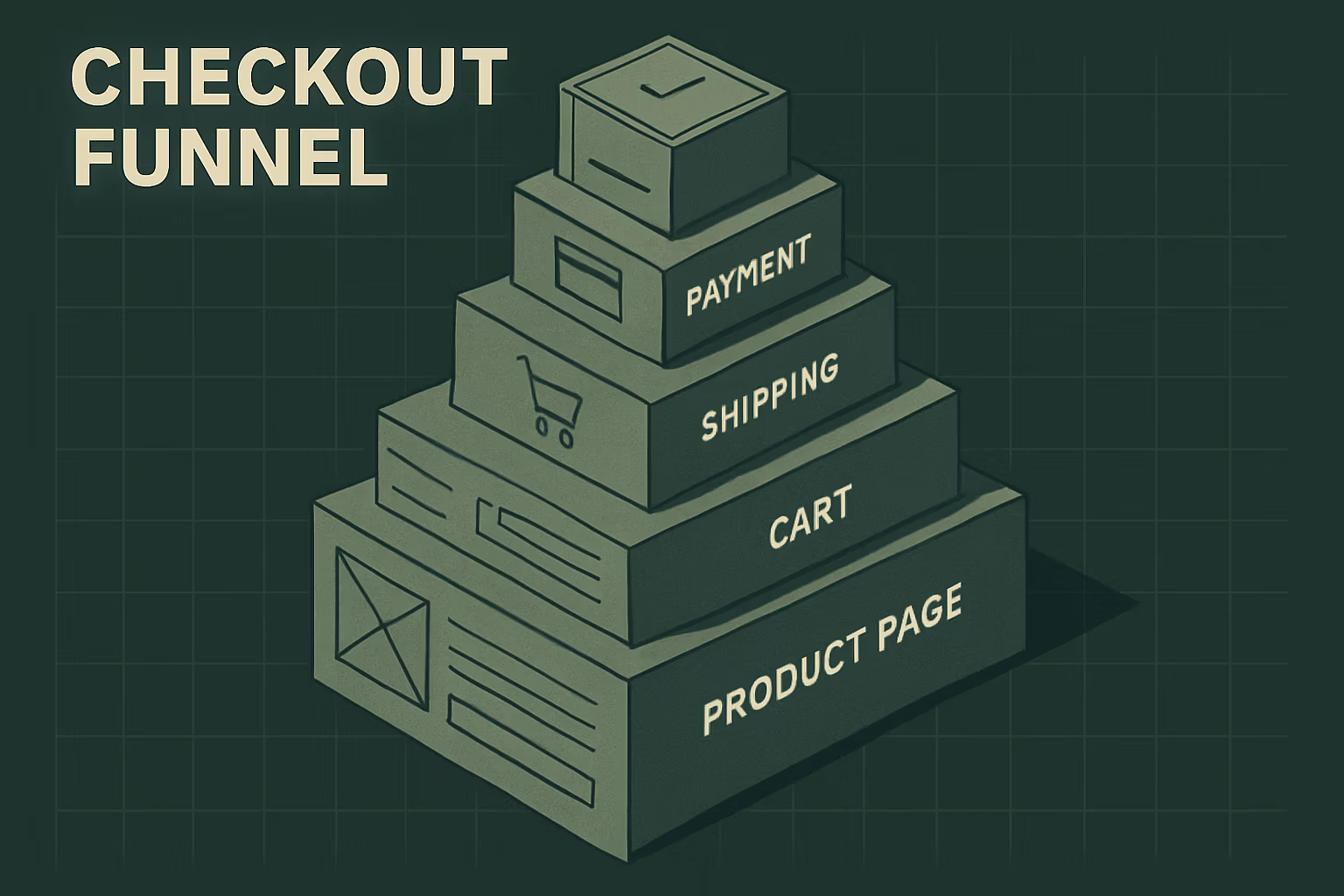
After 50+ Plus migrations, we’ve noticed a pattern. The moment a founder realizes checkout.liquid is gone — truly gone, not “deprecated someday” but actually, permanently gone — they do one of two things. Either they panic and rebuild everything from memory, including a dozen customizations they added in 2021 that nobody remembers commissioning. Or they freeze, assume it’s a developer problem, and leave real money sitting on a shelf.
Both responses cost money. The panic rebuild installs complexity that doesn’t earn its keep. The freeze leaves the checkout as a blank slate when the new toolset actually gives Plus founders more leverage than checkout.liquid ever did — if they know what to reach for first.
TL;DR: Shopify Checkout Extensibility has replaced checkout.liquid permanently. For $1M–$10M Plus founders, the decision isn’t “how do we get back to where we were” — it’s “what does this checkout need to do to earn money?” Track first, brand second, convert third. Build only what has a clear revenue hypothesis. Skip the rest.
Why This Decision Is Harder Than It Looks
The conventional framing is technical: you had checkout.liquid, now you have UI Extensions, Shopify Functions, the Branding API, and Web Pixels. Migrate accordingly. Done.
That framing gets founders into trouble immediately, because it treats the migration as a one-to-one swap. It isn’t. Checkout.liquid was a blank page — you could inject anything, in any order, with no guardrails. Checkout Extensibility is a structured system. The Scripts deprecation that hit June 30 was the discount and shipping layer. What’s happening now is the final closure of the customization layer that touched checkout UI, post-purchase pages, and analytics tracking. The August 26, 2026 deadline removes legacy scripts from every non-Plus store’s Additional Scripts field — automatically, without opt-out.
For Plus founders who navigated the August 2025 deadline, the immediate fight is over. But the strategic question is still open: now that you’re on the new system, what do you actually build? Most teams answered that question under deadline pressure, which means they answered it wrong.
The Framework: Four Decisions in Order
We run these four questions in sequence. Skipping ahead is how checkout projects balloon into six-week builds with no measurable outcome.
Decision 1: Is your tracking clean?
If your conversion data is broken, everything downstream is wrong — ad spend, ROAS calculations, LTV modeling, every A/B test result. Fix this before you touch anything else in checkout.
When Shopify auto-migrated stores without opt-in starting in January 2026, custom pixels, GTM containers, and checkout.liquid logic didn’t carry over. Official channel app integrations did. That distinction matters enormously. A store that ran its Meta pixel and Google Ads conversion tracking through the Additional Scripts field — which was common — lost those signals silently. The checkout kept processing orders. Customers saw nothing wrong. The analytics layer underneath broke, and the commercial damage looked like underperforming ads rather than a tracking outage.
The fix is straightforward but non-trivial: rebuild every tracking pixel as a Web Pixel app or through Customer Events. Test conversion attribution end-to-end. Place test orders. Watch the data land in GA4, in Meta Events Manager, in Klaviyo. Confirm Klaviyo’s Started Checkout events are firing. Do not declare victory until you’ve compared attributed revenue against actual order volume over at least a 7-day window.
We’ve seen Plus stores run for six months on broken attribution, scaling ad budgets against ROAS numbers that were phantoms. On a $3M store spending $400K/year in paid media, that’s not a developer problem. That’s an existential reporting problem.
Decision 2: Does your checkout look like your brand?
This one sounds cosmetic. It isn’t. Checkout abandonment is partly a trust problem, and visual discontinuity between your storefront and checkout erodes trust in the moment a customer is deciding whether to hand over a credit card.
The Checkout Branding API handles colors, fonts, corner radius, and overall visual tone. For most Plus stores, this takes a developer one to two days and produces a checkout that feels continuous with the brand rather than like a foreign platform. The Checkout Editor handles a large share of standard requirements natively — we’ve consistently found it covers roughly 80% of what founders previously did through checkout.liquid for visual purposes.
The question to ask before writing a line of custom extension code: does the Checkout Editor get us to 90%? If yes, stop there. The remaining 10% rarely moves conversion enough to justify the maintenance overhead of a custom UI Extension.
Decision 3: What logic do you need that Shopify Functions unlocks?
This is where Plus genuinely earns its price difference. Shopify Functions lets you rewrite the rules for payment method display, delivery customization, discount logic, and cart transforms. Lower plans can’t touch this surface. If you’re on Plus and not using Functions for at least one live business rule, you’re leaving the most differentiated tool in the plan untouched.
The high-value Functions use cases we’ve seen pay off consistently:
- Payment method filtering. Hide pay-later options for orders below a minimum threshold. Surface specific payment methods for B2B customers. Remove methods that carry excessive fraud risk in specific geographies.
- Custom discount logic. Tiered volume discounts, member-only pricing, bundle discounts that the native discount system can’t express cleanly. This replaces what Shopify Scripts did before June 30 — but with more flexibility and no deprecation clock running.
- Delivery customization. Block next-day delivery for SKUs that require extra handling time. Surface carrier-calculated rates from your own TMS. Apply freight rules to oversize items without manual overrides.
- Cart transforms. Swap a standard product for a gift-with-purchase SKU when cart conditions are met, without a discount code.
The decision test for each Function: is there a real business rule here that currently requires manual CS intervention, a workaround app, or a process that breaks under volume? If yes, build the Function. If the answer is “it would be nice to have,” deprioritize it. Functions aren’t complex to maintain, but they do require testing across edge cases — unusual cart combinations, Shopify Markets configurations, discount stacking — and that testing time adds up.

Decision 4: What goes on the post-purchase page?
The thank-you page is the single highest-intent moment in the entire customer journey. The buyer just said yes. Their credit card is approved. The transaction anxiety is gone. The new Checkout Extensibility framework delivers this surface as a proper UI Extension canvas — no more legacy script injection, no more workarounds.
We keep this rule simple: one thing, maximum. A single, clearly relevant upsell — a complementary SKU at a price point low enough that it reads as an add-on rather than a separate purchase decision. Or a subscription upgrade offer for stores with a repeat-purchase product. Not both. Not a loyalty program pitch and an upsell and a referral widget. One thing.
A $3M apparel brand we worked with last year had three post-purchase elements on their thank-you page: an upsell carousel, a loyalty enrollment prompt, and a referral offer. They measured each one individually and found the upsell was converting at 6%, the loyalty prompt at 1.2%, and the referral offer at 0.4%. When they stripped it back to the upsell alone, the upsell conversion moved to 9%. The other two elements were creating decision friction that cost them more than they generated.
Checkout UI Extensions also unlock trust signals at the payment step itself — security badges, return policy language, review aggregates — placed directly below the payment input field where purchase anxiety is highest. On Plus, you can place these contextually at purchase.checkout.payment-method-list.render-after. That placement specificity is a Plus-only capability, and it converts better than trust signals at the top of the page or in the sidebar because it intercepts anxiety at the exact moment it peaks.
What the Tracking Audit Looks Like in Practice
Because Decision 1 is where most teams under-invest and where the commercial damage is largest, it’s worth spelling out the audit step by step.
Start with Settings → Customer Events in your Shopify admin. Every pixel that was previously in Additional Scripts needs a home here or in a dedicated Web Pixel app. Document what you had before. Document what’s confirmed running now. The gap between those two lists is your tracking debt.
Common entries that disappear in the migration and need explicit rebuilding:
- Google Ads purchase conversion events (these are what feed Smart Bidding; if they’re missing, your campaigns optimize toward the wrong signals)
- Meta pixel purchase events and the associated Conversions API server-side events
- Klaviyo’s Checkout Started event — when this breaks, every abandoned-cart flow goes dark
- Affiliate network tracking scripts
- Any custom GTM container that fired on order confirmation
This is also the right moment to audit whether you’re running redundant pixels. We consistently find $3M–$6M stores with both a direct Klaviyo pixel and a Klaviyo app active simultaneously, generating double-counted events that corrupt segmentation logic. The migration is a forced cleanup — treat it as one.
Our app stack audit framework applies directly here: before rebuilding your tracking setup, map every pixel to a business outcome. If you can’t name the decision the pixel informs, remove it rather than rebuild it.
The Objection: “We Should Just Rebuild Everything We Had”
Most checkout rebuild briefs we’ve seen from other agencies start from a list of everything the old checkout.liquid file contained and work backward. The logic sounds reasonable: we had X functionality, we need X functionality in the new system.
Here’s why that’s wrong. checkout.liquid accumulated years of additions from multiple developers, multiple campaigns, and multiple “this will only take an hour” requests. Nobody audited it. Nobody measured whether the trust badge added in 2022 moved conversion. Nobody confirmed whether the custom delivery note field actually reduced CS tickets or just created data nobody looked at. A checkout.liquid file at a $5M store often contains six to ten elements, and fewer than half of them were ever validated against conversion data.
Rebuilding everything you had into Checkout Extensibility is rebuilding technical debt with extra steps. The new system requires you to be intentional — each UI Extension is a discrete, deployed artifact with a clear placement and a clear purpose. That constraint is actually an advantage. Use it.
The agencies selling “full checkout.liquid to Extensibility migration” as a project scope are often quoting four to eight weeks and mid-five-figure engagements to rebuild things nobody measured. We’ve taken the same stores, audited what actually needed to exist, and built the validated 30% in five to eight business days. The remaining 70% either didn’t need to exist or didn’t move a metric anyone cared about.
If you’re evaluating agency support for this work, the specialty question matters more than the size question — find a partner who asks “what does this element need to do?” before writing a single line of extension code.
What to Do About It — Monday Morning
If you’re on Plus and haven’t run a post-migration audit, here’s where to start this week:
- Open Settings → Customer Events. List every active pixel. Cross-reference against your pre-migration tracking setup. Any gap is urgent — specifically Google Ads conversions and Klaviyo Checkout Started events.
- Place two test orders. One standard, one with a discount code. Watch the data land in GA4, Meta Events Manager, and Klaviyo in real time. If any of those three don’t show the event within 60 seconds, you have a broken pixel.
- Pull your thank-you page setup. Count how many distinct elements are active. If it’s more than two, measure each one individually before your next A/B test. Consolidate down to one primary CTA.
- Write your Functions roadmap. What business rules currently require manual override, a workaround app, or a CS intervention? Each one is a Function candidate. Rank by revenue impact and build top-down.
- Check your checkout branding. Open your checkout in a private browser, side-by-side with your homepage. If they look like different websites, schedule the branding pass — it’s two days of work with a measurable trust payoff.
Closing: The Blank Slate Problem
The frustration founders feel about checkout.liquid going away is understandable. It was unconstrained. You could build anything. The counterpoint, which we’ve now seen play out across dozens of Plus stores, is that “you can build anything” produced checkouts full of things nobody measured and nobody owned. The migration forced a decision that should have happened years earlier: what does this checkout actually need to do?
Checkout Extensibility answers that question with a structure that rewards specificity. Track first. Brand second. Build one piece of logic that solves a real bottleneck. Put one thing on the thank-you page and measure it. The stores that treat the migration as a cleanup opportunity — not a restoration project — come out with checkouts that convert better than the ones they left behind.
If you want a second set of eyes on your checkout setup before you start building, we run these audits as part of our Plus engagements — start with what’s broken before deciding what to add.
FAQ
Is Shopify Checkout Extensibility only relevant to Shopify Plus stores?
No, but Plus stores get significantly more capability. Every Shopify plan migrated to Checkout Extensibility, with the final deadline for non-Plus stores landing August 26, 2026. However, Shopify Plus unlocks the full Shopify Functions surface — payment customization, delivery customization, cart transforms — plus unlimited deployed Checkout UI Extensions versus a three-extension cap on lower plans. For $1M–$10M brands, the Plus-only surface is where most of the conversion upside lives.
What actually broke when checkout.liquid was deprecated?
Three things broke in sequence: custom checkout UI (controlled through checkout.liquid), analytics tracking (pixels and scripts injected via Additional Scripts), and post-purchase page customizations. The most commercially damaging was the analytics layer — Google Ads conversion events, Meta pixel purchase events, and Klaviyo’s Checkout Started trigger all stopped firing for stores that hadn’t rebuilt them as Web Pixels. Checkout kept processing orders normally; the damage showed up silently in attribution data and ad platform optimization signals.
How long does a Checkout Extensibility build take for a Plus store?
A tracking rebuild plus branding pass takes three to five business days for most Plus stores. Adding one or two Shopify Functions for discount or delivery logic adds another three to five days with proper testing. A full checkout with multiple UI Extensions, custom Functions, and validated post-purchase flows runs four to eight weeks for stores with complex app integrations, multi-market configurations, or B2B checkout requirements. The timeline inflates primarily at the testing stage — edge cases around discount stacking, Shopify Markets, and subscription integrations are where surprises accumulate.
Do I need a developer, or can I handle Checkout Extensibility with no-code tools?
The Checkout Editor handles visual branding, basic layout changes, and simple trust badge placement with no code required. For roughly 80% of what standard Plus stores previously did through checkout.liquid, the Checkout Editor is sufficient. Shopify Functions require a developer — they’re written in WebAssembly-compiled languages and deployed through the CLI. Custom UI Extensions beyond what the Checkout Editor provides also require developer work, typically two to three days per extension. If your checkout needs are purely visual and don’t involve custom logic, no-code tools cover most of the territory.
{
“@context”: “https://schema.org”,
“@type”: “Article”,
“headline”: “Checkout Extensibility: What to Build, What to Skip”,
“description”: “checkout.liquid is gone. Here’s the decision framework $1M–$10M Plus founders need to decide what to build in Checkout Extensibility — and what to leave alone.”,
“author”: {“@type”: “Person”, “name”: “Cesar Beltran”, “url”: “https://www.blackbeltcommerce.com/about”},
“publisher”: {“@type”: “Organization”, “name”: “Blackbelt Commerce”, “url”: “https://www.blackbeltcommerce.com”, “logo”: {“@type”: “ImageObject”, “url”: “https://www.blackbeltcommerce.com/wp-content/uploads/blackbelt-logo.png”}},
“datePublished”: “2026-07-06”,
“dateModified”: “2026-07-06”,
“mainEntityOfPage”: {“@type”: “WebPage”, “@id”: “https://www.blackbeltcommerce.com/shopify-checkout-extensibility-decision-framework/”},
“keywords”: “Shopify checkout extensibility, checkout.liquid deprecation, Shopify Functions, Checkout UI Extensions, Shopify Plus checkout, post-purchase optimization, checkout conversion”,
“articleSection”: “Editorial”,
“wordCount”: 2100
}
{
“@context”: “https://schema.org”,
“@type”: “FAQPage”,
“mainEntity”: [
{
“@type”: “Question”,
“name”: “Is Shopify Checkout Extensibility only relevant to Shopify Plus stores?”,
“acceptedAnswer”: {
“@type”: “Answer”,
“text”: “No, but Plus stores get significantly more capability. Every Shopify plan migrated to Checkout Extensibility, with the final deadline for non-Plus stores landing August 26, 2026. However, Shopify Plus unlocks the full Shopify Functions surface — payment customization, delivery customization, cart transforms — plus unlimited deployed Checkout UI Extensions versus a three-extension cap on lower plans. For $1M–$10M brands, the Plus-only surface is where most of the conversion upside lives.”
}
},
{
“@type”: “Question”,
“name”: “What actually broke when checkout.liquid was deprecated?”,
“acceptedAnswer”: {
“@type”: “Answer”,
“text”: “Three things broke in sequence: custom checkout UI (controlled through checkout.liquid), analytics tracking (pixels and scripts injected via Additional Scripts), and post-purchase page customizations. The most commercially damaging was the analytics layer — Google Ads conversion events, Meta pixel purchase events, and Klaviyo’s Checkout Started trigger all stopped firing for stores that hadn’t rebuilt them as Web Pixels. Checkout kept processing orders normally; the damage showed up silently in attribution data and ad platform optimization signals.”
}
},
{
“@type”: “Question”,
“name”: “How long does a Checkout Extensibility build take for a Plus store?”,
“acceptedAnswer”: {
“@type”: “Answer”,
“text”: “A tracking rebuild plus branding pass takes three to five business days for most Plus stores. Adding one or two Shopify Functions for discount or delivery logic adds another three to five days with proper testing. A full checkout with multiple UI Extensions, custom Functions, and validated post-purchase flows runs four to eight weeks for stores with complex app integrations, multi-market configurations, or B2B checkout requirements. The timeline inflates primarily at the testing stage — edge cases around discount stacking, Shopify Markets, and subscription integrations are where surprises accumulate.”
}
},
{
“@type”: “Question”,
“name”: “Do I need a developer, or can I handle Checkout Extensibility with no-code tools?”,
“acceptedAnswer”: {
“@type”: “Answer”,
“text”: “The Checkout Editor handles visual branding, basic layout changes, and simple trust badge placement with no code required. For roughly 80% of what standard Plus stores previously did through checkout.liquid, the Checkout Editor is sufficient. Shopify Functions require a developer — they are written in WebAssembly-compiled languages and deployed through the CLI. Custom UI Extensions beyond what the Checkout Editor provides also require developer work, typically two to three days per extension. If your checkout needs are purely visual and do not involve custom logic, no-code tools cover most of the territory.”
}
}
]
}

