

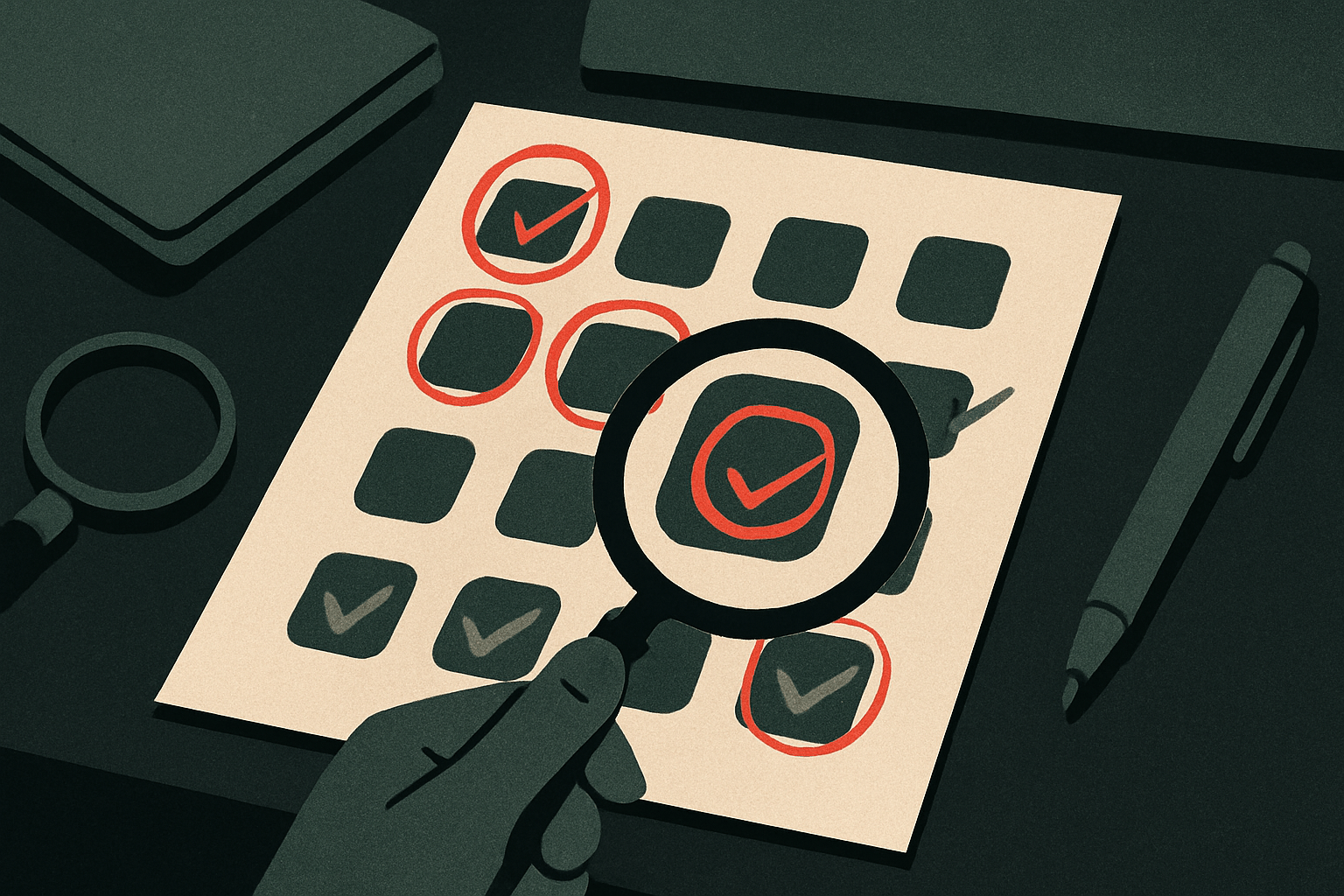
After 1,000+ Shopify projects, the same conversation comes up in nearly every growth audit. A founder looks at their monthly bills, does the math on their installed apps, and says some version of: “I don’t actually know if any of these are working.” Most of the time, they’re right to be suspicious.
The average $3M–$8M Shopify Plus store carries 18–24 installed apps. A third of them are dormant. Another third overlap with either native Shopify functionality or each other. The remaining third are doing real work — but founders often can’t tell which third is which.
TL;DR: Before pulling any app, run four questions: Is it generating measurable revenue? Does Shopify now do this natively? Does another app in your stack already cover it? And what breaks if you remove it? Apply this rubric to your Klaviyo setup, Recharge subscription logic, Shopify Audiences configuration, and search apps — in that order.
Why App Bloat Is a Revenue Problem, Not a Tech Problem
Founders often frame app audits as spring cleaning — a developer task to knock out when things are slow. That framing is wrong, and it leads to bad outcomes. App bloat is a conversion problem, a site speed problem, and a cost problem all at once.
Every app you install adds JavaScript to your storefront. Most third-party apps load asynchronously, but enough of them load in sequence that the cumulative effect on Core Web Vitals is real. We’ve seen stores with 22 active apps shave 0.4 seconds off their Largest Contentful Paint just by removing four scripts that were firing on every page load — including two apps the founders had forgotten they’d installed.
There’s also the straightforward monthly math. At $20–$150/month per app, a 22-app stack costs anywhere from $440 to $3,300/month before you account for usage-based fees. For a $4M brand running on 40% gross margin, that’s a not-insignificant drag on contribution margin. And unlike ad spend, it’s not optimizable — it’s just cost. As we cover in The Shopify Plus Pricing Trap: An Honest TCO Breakdown, the subscription line is rarely where the money goes. The app stack usually is.
The Four-Question Audit Framework
Question 1: Is this app generating measurable, attributable revenue?
The answer has to come from data, not memory. “We installed it because we thought it would help” is not a defense. Pull the last 90 days of revenue attribution from your analytics stack and ask: can you draw a direct line from this app’s function to a dollar amount?
For apps like upsell tools, post-purchase offer widgets, or bundle builders, the attribution is usually traceable. The app logs offer views, accepts, and revenue. If it’s showing 200 accepts per month at a $30 average order value lift, that’s $6,000/month — easy math against a $49/month fee. Keep it.
The hard cases are infrastructure apps — trust badges, review aggregators, loyalty programs. They improve the environment, but attributing a specific revenue lift is genuinely difficult. Our approach: assign them a conversion value proxy. If your store converts at 3.2% and your review app shows that product pages with 10+ reviews convert at 4.1%, that 0.9-point lift is worth quantifying against your traffic volume. Run the math. If the math doesn’t close, that’s information.
Question 2: Does Shopify do this natively now?
This question eliminates more apps than any other. Shopify has quietly absorbed a significant number of use cases that previously required third-party apps — and the native version is almost always faster, more reliable under load, and free with your Plus subscription.
Apps that commonly get replaced by native Shopify functionality in 2026: basic product bundles (Shopify Bundles), gift cards, store credit, basic search and filter (Shopify Search & Discovery), basic subscription logic (Shopify’s native subscriptions beta), basic upsells in checkout (Shopify Functions-based checkout extensions), and basic analytics. If you’re paying for a third-party bundle app that you installed in 2021, check whether Shopify Bundles now covers your use case. For most stores under $5M, it does.
The caveat: native doesn’t always mean better. Shopify’s native search, for example, works well for straightforward catalogs. If you’re running a 5,000-SKU store with complex filtering requirements, a dedicated search app earns its fee. But you have to make that comparison explicitly, not assume the third-party version wins just because you’ve always used it.
Question 3: Does another app in your stack already do this?
This is the overlap question, and it’s where Klaviyo tends to generate the most friction. Klaviyo is a substantial platform — email, SMS, reviews (via Klaviyo Reviews), forms and pop-ups, segmentation, and increasingly, onsite personalization. A lot of $4M–$8M stores are paying for Klaviyo AND a separate pop-up app AND a separate reviews app AND sometimes a separate SMS platform. That’s three to four line items doing work that one platform already covers.
We worked with a $5.2M apparel brand last year that was paying $340/month for Klaviyo, $89/month for a Privy pop-up subscription, $119/month for a separate reviews app, and $210/month for a standalone SMS provider. They switched their pop-ups to Klaviyo’s built-in forms, migrated to Klaviyo Reviews, and consolidated SMS under the same account. Monthly savings: $418. The consolidation also improved segmentation accuracy because all behavioral data now lived in one place instead of three.
The overlap question applies to analytics too. If you’re running Shopify Analytics, Google Analytics 4, and a third-party attribution app, you have at minimum one redundant layer. Identify which one your team actually opens. Cut the others or move them to a lower tier.
Question 4: What actually breaks if you remove it?
This is the due-diligence question. Before you pull any app, document every active integration it has, every automation it runs, and every front-end element it renders. Apps that display content on the storefront — widgets, badges, carousels — leave empty containers or broken layouts if removed without cleanup. Apps that fire in checkout flows can break order confirmation sequences. Apps that feed data to your CRM can create gaps in customer records.
We do this as a written dependency map before any removal. It takes 30–60 minutes per app. It has saved us from breaking a post-purchase upsell flow more than once. A founder who pulls an app on a Friday afternoon without this step is taking a real risk.
The Four Apps That Deserve Their Own Section
Klaviyo: What You’re Paying For vs. What You’re Using
Klaviyo is worth the money — for stores that use it. The variable is whether you’re using more than 15% of the platform. Most stores are not. The typical $3M store has: a welcome series, an abandoned cart sequence, a post-purchase flow, and a weekly broadcast. That’s a $45/month use case running on a $200–$400/month plan tier because the contact list grew without a parallel strategy to monetize it.
The audit question for Klaviyo isn’t whether to keep it — it’s whether your contact list size justifies your tier. If you have 80,000 contacts but you’re only actively mailing 20,000 of them, clean the list. Suppress the unengaged. You’ll drop to a lower tier and your deliverability will improve. A $6M home goods brand we audited last year was paying $780/month for Klaviyo on a 180,000-contact list. After cleaning 110,000 suppressed contacts, their monthly fee dropped to $320/month and their open rates went from 18% to 31%. The list cleanup took three hours.
Recharge: Is Subscription Infrastructure Earning Its Cost?
Recharge is the standard for subscription commerce on Shopify Plus, and for many stores it’s genuinely necessary. But “necessary” depends entirely on your subscription volume and complexity. Recharge starts at $99/month plus 1% + 19¢ per transaction on their Pro tier. For a store doing $50,000/month in subscription revenue, that’s roughly $600–$700/month in platform cost before any add-ons.
The question to answer: what percentage of your total revenue is subscription? If subscriptions represent less than 8% of revenue and your subscription products are straightforward (fixed frequency, single SKU, no bundles), Shopify’s native subscription API with a lighter-weight integration is worth evaluating. If subscriptions are 30%+ of revenue and you’re running gift subscriptions, prepaid plans, tiered pricing, or complex dunning logic — Recharge earns its cost clearly.
The mistake we see most often: founders who launched with subscriptions in 2020 installed Recharge because it was the obvious choice, have since grown their subscription mix to 40% of revenue, but have never explored whether Recharge’s advanced features (analytics, LTV modeling, cancel-save flows) are actually configured and running. You can be paying for Pro-tier features you never turned on. Log in and check.
Shopify Audiences vs. Meta-Only Audiences: The $20/Month Decision Most Stores Get Wrong
Shopify Audiences is included with Plus. It generates custom and lookalike audiences built from Shopify’s purchase intent data across its merchant network and pushes them directly to Meta, Google, Pinterest, and Criteo. For stores spending $10,000+/month on Meta ads, it’s one of the highest-leverage native features most Plus stores aren’t fully using.
The audit question here isn’t whether to cut Shopify Audiences — it’s whether you’re actually using it instead of relying solely on Meta’s in-house lookalikes. Meta’s pixel-based audiences have degraded meaningfully since iOS 14. Shopify Audiences uses first-party purchase data, not pixel behavior. In our paid media work, we’ve seen prospecting ROAS lift 15–30% when brands switch from Meta-generated lookalikes to Shopify Audiences-generated ones on the same budget.
If you’re running Meta ads and not pushing Shopify Audiences to your campaigns, that’s a configuration gap, not an app to add. Go fix it this week. It’s under Settings → Shopify Audiences in your Plus admin.
Search Apps: When Native Ends and Paid Begins
Shopify Search & Discovery is free and handles the basics: keyword search, filter configuration, synonym management, and product boost rules. For catalogs under 2,000 SKUs with straightforward attribute structures, it’s enough.
Paid search apps — Searchanise, Boost Commerce, SearchPie — earn their fees when you need: visual merchandising rules (pin specific products at the top of results based on inventory or margin), advanced analytics on search-term performance, AI-driven result ranking, or B2B-specific filtering. As we noted in our analysis of Shopify’s Q1 2026 AI search data, the conversion gap between stores with well-configured search and those with default search is real — around 50% higher conversion on AI-assisted queries. But that lift comes from configuration quality, not from the app itself. A paid search app that nobody has configured merchandising rules for is not outperforming native.
The decision: audit your top 50 search queries in the last 90 days. What percentage have zero results? What’s the click-through rate on the top result? If more than 10% of your search queries return zero results and your catalog has the products, your search configuration — not the search app — is the problem. Fix that before paying for a new one.
The Objection: “We’ll Just Do a Quick App Audit in a Spreadsheet”
Some agencies recommend what they call an “app audit” that amounts to listing your apps and checking whether each one has been opened in the last 30 days. We’ve seen this deliverable. It takes 45 minutes and it misses the point entirely.
The problem with usage-recency as the primary audit metric is that it confuses inactivity with ineffectiveness. A loyalty program app might run entirely on autopilot — emailing customers, issuing points, triggering redemptions — and nobody on your team logs into its dashboard weekly. That doesn’t mean it’s not working. Conversely, your team might log into a reporting app every morning out of habit while pulling the same data they could get from GA4 for free.
The four-question framework matters because it forces each app to justify its line item on four independent axes. An app survives the audit only if it passes at least three of them. If it generates revenue but has overlap with another tool, you have a consolidation decision to make. If it doesn’t generate revenue but it solves a dependency nothing else covers, you keep it but you put a 90-day review on the calendar. The spreadsheet version of an app audit doesn’t create that discipline.
What to Do About It Monday Morning
- Pull your full app list from Shopify admin and sort by install date. Anything installed more than 18 months ago that you haven’t actively reviewed is a candidate. Start there. You’re looking for dormant apps, overlap candidates, and anything native Shopify functionality now replaces.
- Run the Klaviyo list math. Export your active, suppressed, and unsubscribed contact counts. If your suppressed + unsubscribed list is larger than your active list, clean it. Check what tier you’d be on at your cleaned-list size. The savings are usually immediate.
- Check your Shopify Audiences configuration. Log into your Plus admin, go to Settings → Apps and sales channels → Shopify Audiences. Confirm you have an active audience syncing to Meta. If you’re spending on Meta ads and this isn’t configured, that’s money sitting on the table right now.
- Map one dependency before you pull anything. Pick the app you’re most tempted to remove. Before you touch it, write down every integration, automation, and front-end element it touches. That documentation takes 30 minutes and prevents a broken storefront on a Wednesday.
- Build the “is it paying for itself” table. Four columns: App name, Monthly cost, Attributed revenue or measurable lift (last 90 days), Keep/Review/Remove. If attributed revenue is blank after honest research, it goes in the Review column with a 30-day window to find the data or make the cut.
The Principle Behind the Framework
We’ve written about subtraction as a CRO discipline — the idea that removing things from a store often does more for conversion than adding them. The same principle holds at the infrastructure level. Every app in your stack is a decision you made at a specific moment in your store’s life. Most of those decisions made sense then. Your job now is to audit them against your current reality, not your 2021 reality.
The stores we see winning in the $5M–$10M range aren’t the ones with the most sophisticated app stacks. They’re the ones where every line item in the tech budget is doing measurable work and the team has full visibility into what each tool is actually contributing. That’s a discipline, not a cleanup task. Run this audit quarterly. Build the table. Be willing to cut.
Your app stack should be evidence of the decisions you’ve made thoughtfully — not a graveyard of the ones you made and forgot about.
FAQ
How many apps should a Shopify Plus store have?
There’s no universal right number, but in our experience, stores doing $1M–$10M in revenue rarely need more than 12–15 active apps to run effectively. The key variable is whether each app has a measurable function that nothing else in your stack covers. Volume alone isn’t the problem — unexamined volume is.
Is Recharge worth it for a store doing $20,000/month in subscription revenue?
At $20,000/month in subscription revenue, Recharge Pro costs roughly $300–$400/month in combined fees, which represents 1.5–2% of your subscription revenue. If you’re running complex subscription logic — prepaid plans, bundles, dunning sequences — that cost is justified. If your subscriptions are straightforward single-SKU replenishments, evaluate Shopify’s native subscription API first; a lighter integration may serve the same function at meaningfully lower cost.
Does Shopify Audiences actually improve Meta ad performance?
In our paid media work with Plus brands, switching from Meta-native lookalikes to Shopify Audiences-generated audiences has produced prospecting ROAS lifts of 15–30% on equivalent budgets. Shopify Audiences draws from purchase intent signals across Shopify’s merchant network rather than relying on pixel-based behavioral data, which has degraded since iOS 14. It’s included with Shopify Plus — if you’re not using it, configure it before you spend another dollar testing new creative.
When does a paid search app beat Shopify’s native Search & Discovery?
Paid search apps earn their cost when you have catalogs over 2,000 SKUs with complex filtering needs, when you need visual merchandising rules to surface high-margin or high-inventory products, or when search analytics show more than 10% of queries returning zero results that your catalog could satisfy. For straightforward catalogs, native Search & Discovery — properly configured with synonyms, boost rules, and filter attributes — outperforms a misconfigured paid app every time.

