

Blog updated with the most recent Shopify and eCommerce strategies on 05/02/2026.
Shopify Image Optimization Guide: How to Turbocharge Your Images for Lightning-Fast Load Times
Supercharging your Shopify image loading speeds can dramatically cut bounce rates and skyrocket conversions by ensuring your product visuals pop up instantly on any device. In under 50 words, this guide breaks down image optimization, explains how it works by compressing and serving images in slick formats, and reveals how faster page loads translate directly into more sales. You’ll uncover why image optimization is a game-changer, the top formats to wield, smart compression tactics, lazy-loading wizardry, SEO secrets, must-have apps, how to track your progress, common snags, and advanced moves to crush your Core Web Vitals. Throughout, we’ll point out how BlackBelt Commerce – Shopify Experts – Shopify Plus Agency can be your secret weapon with pro services and expert guidance to conquer your optimization goals.
Why Is Optimizing Shopify Images Absolutely Crucial for Blazing-Fast Load Times?
Optimizing your Shopify images means slashing file sizes and picking the perfect format so browsers can snag those visuals faster, directly boosting page speed and making your customers happier. Bloated or uncompressed images drag down page renders, hurting conversions and your search engine standing. By streamlining your image assets, your store can hit those coveted sub-two-second load times, meeting mobile user expectations and Google’s Core Web Vitals standards.
The Real Impact of Image Optimization on Your Website’s Performance
Research consistently shows that optimizing images is a powerhouse for speeding up website load times, directly impacting how users experience your site and how search engines rank you. Studies reveal that shrinking image file sizes can lead to a significant leap in page load speeds, giving your overall website performance a serious upgrade.
This backs up our point that image optimization is key for faster loading and a smoother user journey.
How Do Unoptimized Images Sabotage Your Shopify Store’s Speed and User Experience?
Unoptimized images often weigh in at over 1 MB per file, causing pages to crawl as browsers struggle to download these heavy assets. This frustrating delay:
- Pushes your Largest Contentful Paint (LCP) time through the roof, tanking your page experience scores.
- Jumbles your layout as images load haphazardly, sending your Cumulative Layout Shift (CLS) soaring.
- Drives away mobile shoppers who bail on pages that take longer than 3 seconds to load.
Sluggish visuals erode trust and send visitors packing, killing sales opportunities and undermining your SEO efforts.
What Are the Massive Benefits of Faster Loading Images for SEO and Conversions?
Speedy images give your SEO a major boost by improving LCP and nailing your Core Web Vitals, which Google absolutely loves for ranking. Quick visuals:
- Propel your organic rankings higher thanks to a superior page experience.
- Entice users to explore more pages, slashing your bounce rates.
- Pump up your conversion rates by as much as 30% as shoppers see products without a hitch.
A lean image strategy directly fuels better search visibility and measurable revenue growth.
How Does Shopify’s Built-in CDN Work Magic to Optimize Images Automatically?
- Delivers optimized images from servers strategically located closest to your shoppers.
- Intelligently resizes images to perfectly match device dimensions.
- Guarantees secure, SSL-encrypted delivery for every single asset.
While Shopify’s CDN sets a solid foundation for speed, combining its native power with manual tweaks and third-party apps is the ultimate path to peak performance.
What Are the Absolute Best Image Formats for Shopify to Supercharge Loading Speeds?
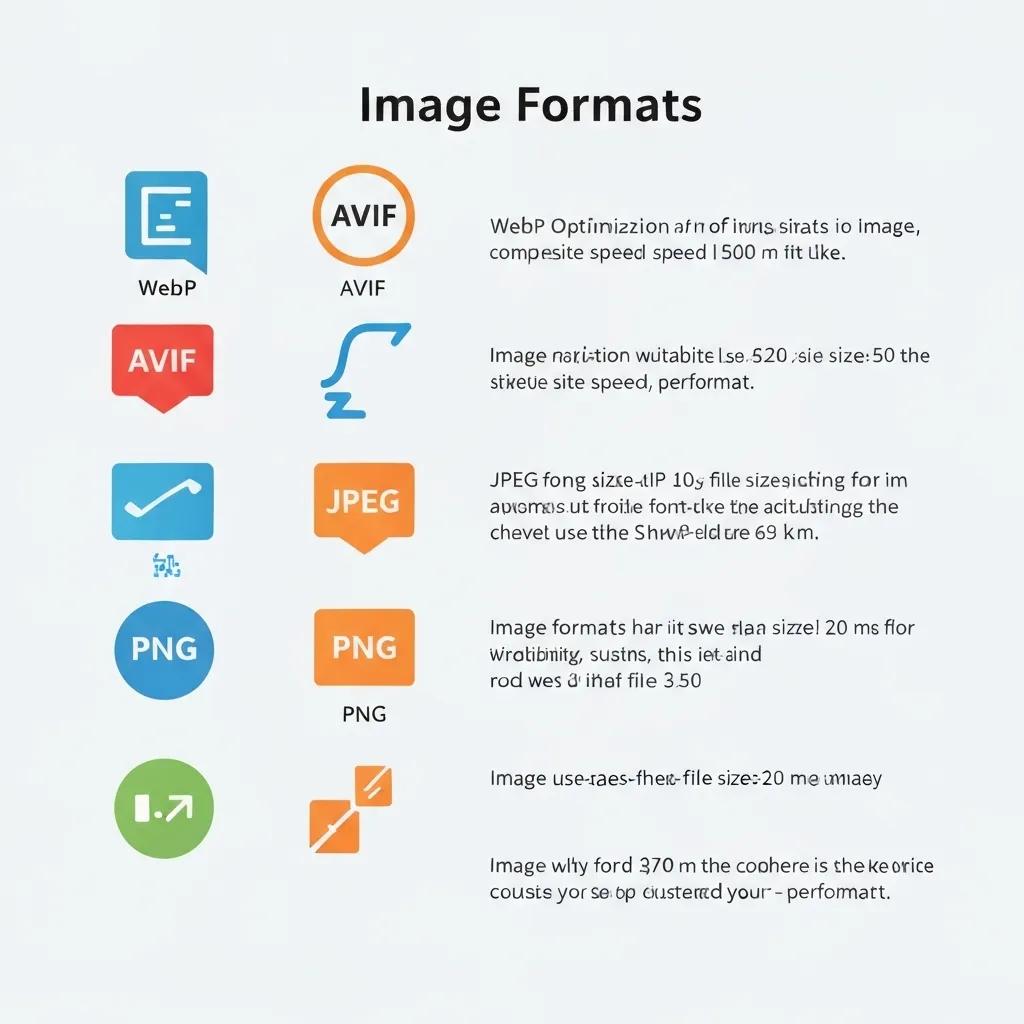
Picking the right image format is your secret weapon for efficient compression and top-notch visual quality, directly impacting how fast your pages load. Cutting-edge formats like WebP and AVIF offer incredible compression ratios, while trusty veterans like JPEG, PNG, and GIF still have their place.
How Do WebP and AVIF Formats Revolutionize Shopify Image Performance?
WebP and AVIF leverage advanced compression tech to shrink file sizes by a massive 25–60% compared to JPEG or PNG, making pages fly. WebP handles both lossy and lossless modes with transparency and animation, while AVIF pushes the envelope even further with the AV1 codec. Implementing these formats:
- Drastically cuts the total image weight across your product galleries.
- Turbocharges mobile experiences where bandwidth is precious.
- Boosts your Core Web Vitals by slashing LCP.
Shopify’s CDN is smart enough to detect browser support and serve AVIF or WebP accordingly.
The Undeniable Benefits of WebP and AVIF Image Formats
WebP and AVIF image formats deliver superior compression over traditional formats like JPEG and PNG, resulting in faster loading times and less bandwidth consumption. These formats can slash file sizes by up to 60%, significantly enhancing website performance, especially for mobile users.
This research hammers home the advantages of WebP and AVIF, perfectly aligning with our recommendations for image format choices.
When Should You Still Reach for JPEG, PNG, or GIF on Shopify?
- JPEG: Your go-to for photographic content where subtle color transitions are key.
- PNG: Perfect for graphics that demand transparency or razor-sharp lines.
- GIF: Best reserved for older animations and simple icons under 50 KB.
Stick with JPEG and PNG when preserving absolute quality trumps file size concerns, then let WebP or AVIF handle the delivery for maximum speed.
What Are the Smart Fallback Strategies for WebP and AVIF Browser Support?
- Serve AVIF first, using the <picture> element to gracefully fall back to WebP.
- Provide a fallback to JPEG or PNG for browsers that don’t quite get the memo.
- Rely on Shopify’s CDN to automatically detect and serve the most efficient format available.
Implementing responsive markup ensures every single visitor gets the optimal format, tailored to their browser’s capabilities.
How to Master Shopify Image Compression: Lossy vs. Lossless Techniques
Image compression is your secret weapon for shrinking file sizes by smartly removing or optimizing data while keeping visuals looking sharp. Deciding between lossy and lossless methods hinges on finding that sweet spot between quality and performance.
What’s the Real Difference Between Lossy and Lossless Compression?
Lossy compression cleverly discards non-essential image data to achieve greater size reductions, making it perfect for photographs where minor imperfections are barely noticeable. Lossless compression, on the other hand, reorganizes data without sacrificing any quality, making it the champion for logos or icons where crystal clarity is non-negotiable. Understanding these techniques helps you pick the method that best suits your store’s visual style and performance goals.
Which Tools and Apps Are Your Best Bet for Shopify Image Compression?
How to Strike the Perfect Balance Between Image Quality and File Size for Peak Performance?
- Set smart quality thresholds (e.g., 70–80% for JPEGs).
- Rigorously test your compressed images against the originals.
- Integrate automated compression directly into your upload process.
This quality-size testing ensures your product visuals stay crisp and vibrant while file sizes remain lean, maintaining both customer trust and stellar page performance.
How to Unleash Lazy Loading and Responsive Images on Your Shopify Store?
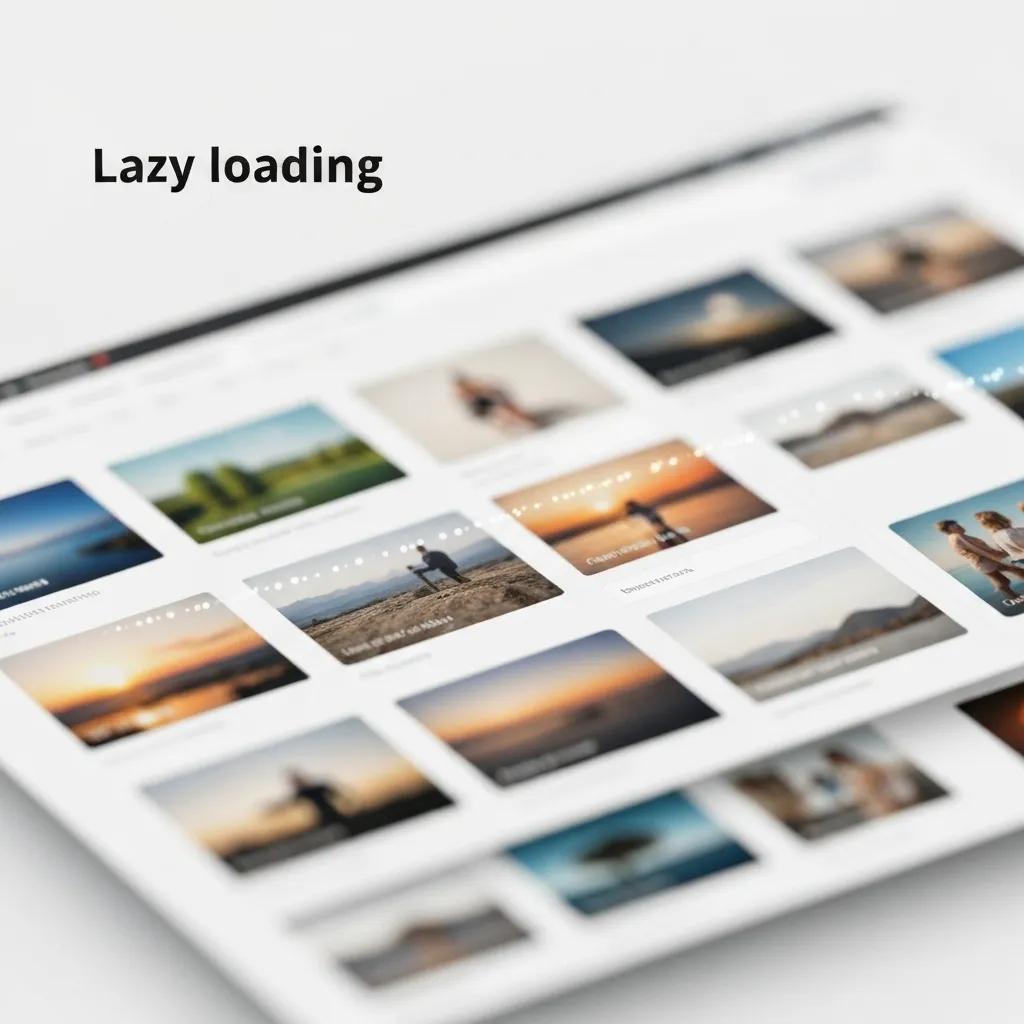
Lazy loading is your secret weapon for deferring off-screen image loads, while responsive images serve up perfectly sized visuals for different devices. Together, they slash initial page weight and make your site feel incredibly fast.
What Exactly Is Lazy Loading and How Does It Turbocharge Your Shopify Pages?
Lazy loading only pulls in images when they’re about to enter the viewport, dramatically cutting down on initial HTTP requests. This clever technique:
- Shrinks your initial page weight, speeding up First Contentful Paint (FCP).
- Creates a smoother browsing experience by prioritizing what’s visible first.
- Conserves precious bandwidth, especially on mobile devices.
Implementing lazy loading ensures that only the images users actually see load first, giving you a massive boost in perceived performance.
The Game-Changing Impact of Lazy Loading on Website Speed
Implementing lazy loading for images significantly cuts down initial page load times by delaying the loading of images that aren’t immediately visible. This technique enhances the user experience by prioritizing the content users see first, leading to faster perceived performance and reduced bandwidth usage.
This perfectly supports our deep dive into lazy loading as a powerful method for boosting page speed and user satisfaction.
How Can You Activate Native Lazy Loading in Shopify Themes or Use Handy Apps?
- Dive into your theme’s image templates and look for <img> tags.
- Simply add the attribute loading=”lazy” to each image element.
- Thoroughly test the functionality across all major browsers.
Alternatively, apps like LazyLoad by hulkapps can automatically inject lazy-loading scripts, making it a breeze for even non-techy users.
How Do Responsive Images Elevate Loading Times Across All Devices?
Responsive images leverage and attributes to serve up resolutions perfectly tailored to each device. By providing multiple image widths and letting the browser make the smart choice:
- Desktop users get stunning high-resolution images.
- Mobile users receive leaner versions, saving precious bandwidth.
- Your overall image payload is optimized for every device’s capabilities.
Shopify’s CDN automatically crafts responsive variants, but custom markup gives you even finer control over those critical breakpoints.
How to Master Shopify Image SEO: Alt Text, Filenames, and Structured Data Secrets
Image SEO is your key to unlocking discoverability in both web and image searches by providing search engines with crucial context through metadata.
What Are the Golden Rules for Writing Stellar Alt Text on Shopify Images?
- Weave in your primary keyword and specific product details (e.g., color, model).
- Keep it concise, under 125 characters, for maximum accessibility.
- Steer clear of keyword stuffing; focus on clear, descriptive language.
Well-crafted alt text not only boosts accessibility but also gives search engines the context they need, helping your images rank higher on Google.
How to Craft Descriptive, Keyword-Rich Image Filenames for Your Shopify Store?
Rename your images before uploading, using hyphens to separate words:
- red-leather-handbag-women.webp
- ceramic-mug-12oz-dishwasher-safe.webp
Descriptive filenames act as breadcrumbs for search engines, helping them understand your content and match user queries, which significantly improves image search performance.
How to Leverage Image Sitemaps and ImageObject Schema for Superior Indexing?
- Add <image:image> entries to your sitemap, including <image:loc> and <image:caption>.
- Utilize ImageObject properties within your structured data to provide essential details like contentUrl, description, and encodingFormat.
These strategic steps signal to search engines the presence and context of your images, supercharging crawl efficiency and boosting your search visibility.
Which Shopify Image Optimization Apps and Tools Deliver the Ultimate Results?
Comparing Shopify’s built-in features against powerful third-party apps will clarify when to lean on native tools and when to invest in specialized solutions.
How Do Shopify’s Native Features Stack Up Against Third-Party Apps?
Shopify’s native CDN handles the basics with automatic compression and WebP conversion, covering your essential needs. Third-party apps, however, offer:
- Granular control over every compression setting.
- Effortless bulk optimization for your entire existing catalog.
- Real-time performance monitoring to keep you in the loop.
- Advanced fallback strategies for ultimate reliability.
Your choice between native and external optimization boils down to your budget, technical savvy, and the sheer volume of your image catalog.
What Are the Top-Tier Shopify Image Optimization Apps for 2025?
- TinyIMG – Laser-focused on SEO, with bulk and real-time compression.
- Crush.pics – Offers both lossy/lossless options and seamless CDN integration.
- SEO Ant – Provides image alt text audits and robust compression.
- Avada SEO Image Optimizer – Enhances metadata and offers smart caching rules.
Each app tackles different angles—compression, SEO metadata, and delivery—allowing you to perfectly tailor optimization to your unique workflow.
How to Select the Perfect App Based on Your Store’s Specific Needs?
Consider your store’s scale and your top priorities:
- If you have a massive catalog, you’ll need bulk optimization and scheduling capabilities.
- High-end brands demanding flawless visuals will require lossless compression.
- Merchants laser-focused on SEO will thrive with metadata audits and automated alt text.
Matching app features to your performance goals ensures you make a cost-effective investment that delivers maximum ROI.
How to Accurately Measure and Monitor Your Shopify Image Optimization Wins?
Consistent tracking of key performance metrics and user behavior is your roadmap to quantifying the real impact of your optimization efforts.
Which Crucial Metrics Signal Faster Loading Times and a Superior User Experience?
- Largest Contentful Paint (LCP): Aim for under 2.5 seconds.
- Cumulative Layout Shift (CLS): Keep it below 0.10.
- First Contentful Paint (FCP): Target sub-1 second speeds.
Improving these metrics directly correlates with a better user experience and, crucially, higher conversion rates.
How to Harness Google PageSpeed Insights and Core Web Vitals for Your Shopify Store?
- Pinpoint image-related performance bottlenecks.
- Review suggestions like “Serve images in next-gen formats” and “Efficiently encode images.”
- Monitor your Core Web Vitals using the Chrome UX Report within Google Search Console.
Regular audits empower you to proactively optimize and ensure you’re always meeting Google’s stringent page experience standards.
How Does Image Optimization Directly Impact Your Organic Traffic and Conversion Rates?
Optimized images are a double threat: they boost your SEO rankings and supercharge user engagement:
- Faster pages climb higher in search results and snag spots in rich results.
- Lower bounce rates lead to longer, more engaged sessions.
- Quick product views convert 20–30% more visitors into paying customers.
Connecting performance gains directly to traffic and revenue metrics clearly demonstrates the powerful ROI of your image optimization initiatives.
How to Troubleshoot Common Shopify Image Glitches That Hamper Load Speed?
Even perfectly optimized images can hit a snag; diagnosing and fixing these issues ensures your site performs flawlessly, every time.
What Causes Blurry or Low-Quality Images to Appear on Your Shopify Store?
- Stretching low-resolution source files beyond their limits.
- Using overly aggressive lossy compression settings that dip below recommended levels.
- Implementing faulty responsive srcset breakpoints that serve images that are too large.
Always keep your original high-resolution source files handy and meticulously test your compression settings to prevent any quality degradation.
How to Fix Slow Loading or Bloated Image Files on Your Shopify Store?
- Recompress using balanced lossy settings that prioritize speed without sacrificing too much quality.
- Convert problematic images to the lightning-fast WebP or AVIF formats.
- Swap out legacy PNGs where transparency isn’t a necessity.
Automating this process within your workflow prevents future slow-loading assets and keeps your overall page weight consistently minimal.
How to Ensure Your Shopify Themes and CDN Are Perfectly Tuned for Images?
- Implement loading=”lazy” on all your <img> tags.
- Utilize <picture> or srcset markup for smart, responsive delivery.
- Ensure seamless integration with Shopify’s CDN by avoiding overrides of default image filters.
Double-checking your theme code and previewing how images are served ensures your configuration is maximizing every available performance enhancement.
What Advanced Strategies Can Supercharge Your Shopify Core Web Vitals with Image Optimization?
Taking your optimization efforts beyond the basics means directly linking your image strategies to Google’s critical page experience metrics for peak performance.
How Does Image Optimization Directly Enhance Your Largest Contentful Paint (LCP)?
- Deliver above-the-fold images instantly, grabbing user attention immediately.
- Defer loading of below-the-fold visuals using smart lazy loading techniques.
- Prioritize critical hero images with <link rel=”preload”> directives.
These tactics align image delivery with what users perceive as load time, directly boosting your LCP scores.
How Can You Minimize Cumulative Layout Shift (CLS) Through Smart Image Handling?
- Explicitly define image width and height attributes to reserve space.
- Use CSS aspect-ratio boxes to create stable layout foundations.
- Avoid injecting image assets late into the page via JavaScript.
Stable layouts maintain visual consistency as images load, keeping your CLS scores well within the recommended thresholds.
What Real-World Client Case Studies Showcase the Power of Image Optimization?
A premier fashion retailer saw their LCP plummet from 4.2 seconds to a blazing 1.8 seconds, with conversions jumping 24% after a comprehensive image optimization overhaul by BlackBelt Commerce. Another electronics brand slashed their image weight by a remarkable 60%, leading to a 35% surge in mobile revenue. These success stories powerfully illustrate how strategic image optimization drives both stellar performance and significant profits.
Mastering Shopify image performance requires a comprehensive strategy—from picking the right formats and compression levels to implementing lazy loading, responsive delivery, and meticulous monitoring. For expert guidance and bespoke optimization services that will accelerate your store’s speed, elevate user experience, and maximize conversions, partner with BlackBelt Commerce – Shopify Experts – Shopify Plus Agency.
Quick Answer: optimize shopify images
Optimize Shopify Images should help merchants make a clearer decision about their store, customer experience, and growth priorities. A useful guide explains the concept, shows when it matters, and gives the reader a practical next step without forcing the topic into a generic template.
Key Takeaways
- Start with the search intent behind optimize shopify images: the reader needs a clear explanation before they are ready for a service conversation.
- Keep the advice practical and specific so the post feels editorial, useful, and worth sharing.
- Use the topic cluster links to connect the article to related BBC expertise instead of leaving it as a standalone blog post.
- Add a natural commercial bridge only after the article has answered the reader’s main question.
- Use the same-page Calendly CTA so qualified readers can book a strategy call without being sent to a long form.
How this connects to your Shopify growth strategy
This article should remain useful for readers researching optimize shopify images, but it also needs to show when the topic becomes a business decision. For the Shopify Performance and Conversion Optimization cluster, the commercial bridge is practical: once the reader understands the concept, the next step is deciding whether their current Shopify setup can support the desired experience, conversion path, and operational workflow. That is where expert planning, design, development, CRO, and SEO support can turn the idea into measurable store improvements.
Related Shopify resources
These internal resources support the Shopify Performance and Conversion Optimization topic cluster and help connect this guide to stronger commercial next steps:
- Shopify Performance and Conversion Optimization
- Shopify experts
- Shopify Plus agencies
- Shopify Performance and Conversion Optimization — Parent service page for the reader’s next commercial step
- Blackbelt Commerce — Home-page authority link for brand and core Shopify expertise
- Shopify experts — Money-page link requested for expert-hiring intent
- Shopify Plus agencies — Money-page link requested for high-growth and Plus-agency intent
- Shopify custom development — Development service page for implementation and technical help
- Shopify CRO — Conversion service page for readers focused on revenue and lead generation
Questions store owners ask before taking action
What does optimize shopify images mean for a Shopify merchant?
For a Shopify merchant, optimize shopify images is about choosing or improving the store experience in a way that supports traffic, trust, conversion, and long-term operations.
When should a store owner get expert help?
Expert help becomes useful when the decision affects SEO, conversion, theme architecture, integrations, migration risk, or revenue-critical customer journeys.
How should this topic connect to a broader content cluster?
The post should link to a parent service page, related support articles, and money pages so Google and AI systems understand how the article supports a broader area of expertise.
What is the lead-generation goal of this article?
The article should educate first, then guide qualified readers toward booking a strategy call when they need help applying the advice to their own store.
What should be avoided during optimization?
Avoid filler, unrelated phrases, invented statistics, broken formatting, duplicated CTAs, and any edit that makes the article feel less helpful or less polished.
Future articles needed for topical dominance
To build deeper topical authority around this cluster, these supporting topics should be created later and linked back into this article:
- Optimize Shopify Images Checklist for Shopify Store Owners: Creates a practical support article that turns the Shopify Performance and Conversion Optimization topic into an actionable review tool.
- Common Optimize Shopify Images Mistakes and How to Avoid Them: Captures problem-aware searches and gives BBC a natural place to explain implementation risks without hard selling.
- When to Hire Shopify Experts for Optimize Shopify Images: Connects informational demand to the expert-hiring money page while preserving educational intent.

