


Why Your Shopify Checkout Deserves a Custom Touch
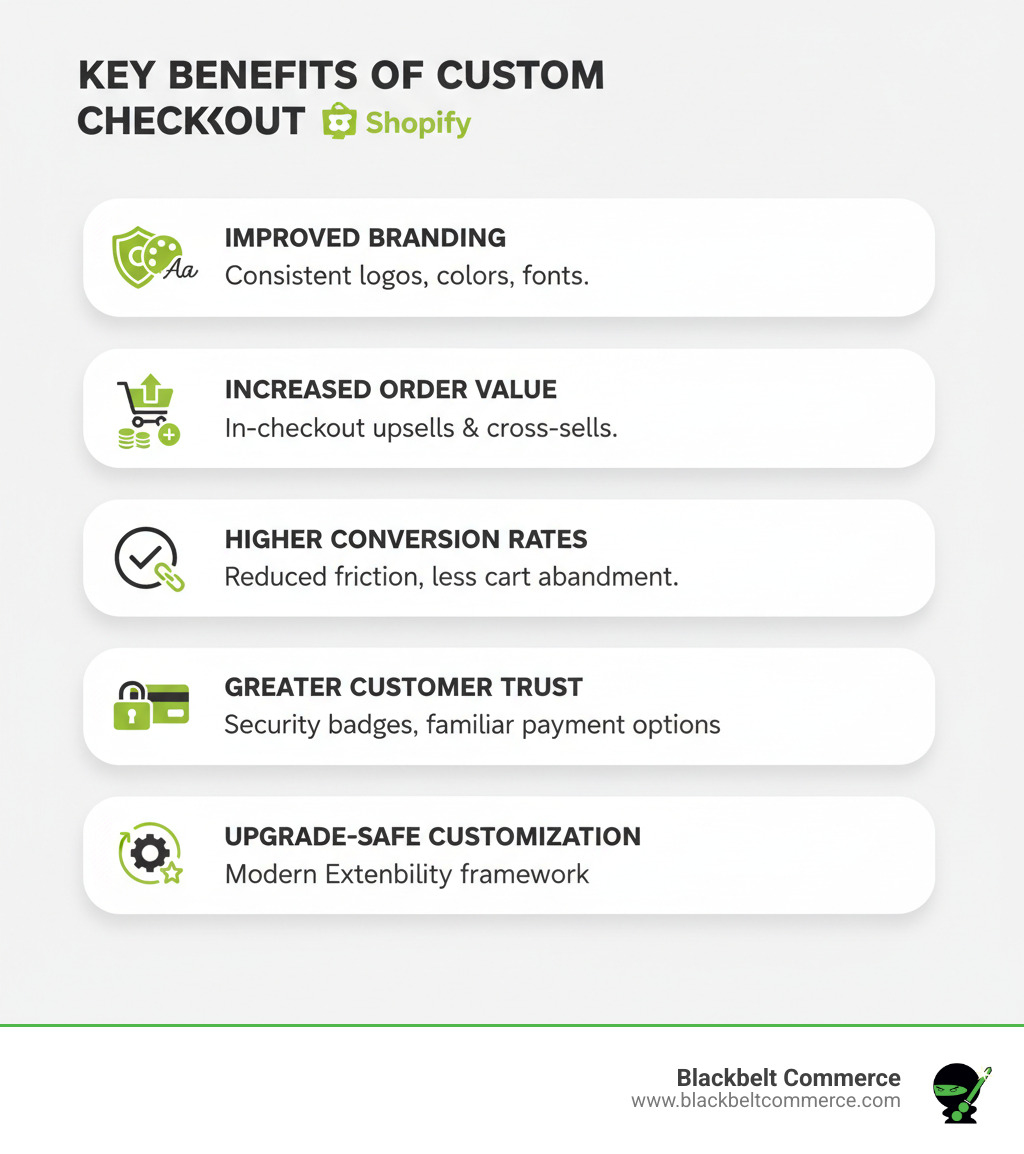
A custom checkout Shopify experience transforms the final purchase step from a generic form into a branded, conversion-optimized experience. Key benefits include:
- Brand Consistency: Match your store’s look with your logo, colors, and fonts.
- Higher Conversions: Reduce cart abandonment with a streamlined, trustworthy checkout.
- Increased Revenue: Add upsells, cross-sells, and loyalty programs directly in checkout.
- Better Data: Collect custom information like gift messages or delivery preferences.
- Mobile Optimization: Leverage Shop Pay’s 91% higher mobile conversion rates.
The checkout page is the most critical moment in the customer journey, turning shoppers into buyers. Leaving it generic is a missed opportunity.
While Shopify Checkout is a leader in conversion, customization takes it further. You can reduce friction, build trust, offer upsells, and create a unique brand experience. Checkout Extensibility (introduced in 2023) makes these customizations upgrade-safe, secure, and compatible with Shop Pay’s 4X faster checkout.
The old checkout.liquid method is being deprecated (as of August 13, 2024), replaced by a modern, app-based approach. This new method is accessible to merchants on most plans, from Basic Shopify to Shopify Plus, offering powerful customization without compromising security.
I’m Cesar A Beltran, Founder of Blackbelt Commerce. With over 15 years of experience helping 1000+ businesses, I’ll guide you through creating a high-converting custom Shopify checkout that boosts your bottom line.
Simple guide to custom checkout shopify:
- add custom fields to shopify checkout
- how to customize my checkout thank you page shopify
- shopify custom checkout domain
Why Customize Your Shopify Checkout? (Key Benefits & Use Cases)
Ever wonder why shoppers add items to their cart, only to disappear at checkout? Often, the culprit isn’t your product or price—it’s a generic, clunky checkout experience.
The good news is your Shopify checkout can be a secret weapon for closing sales, increasing order values, and building customer loyalty.
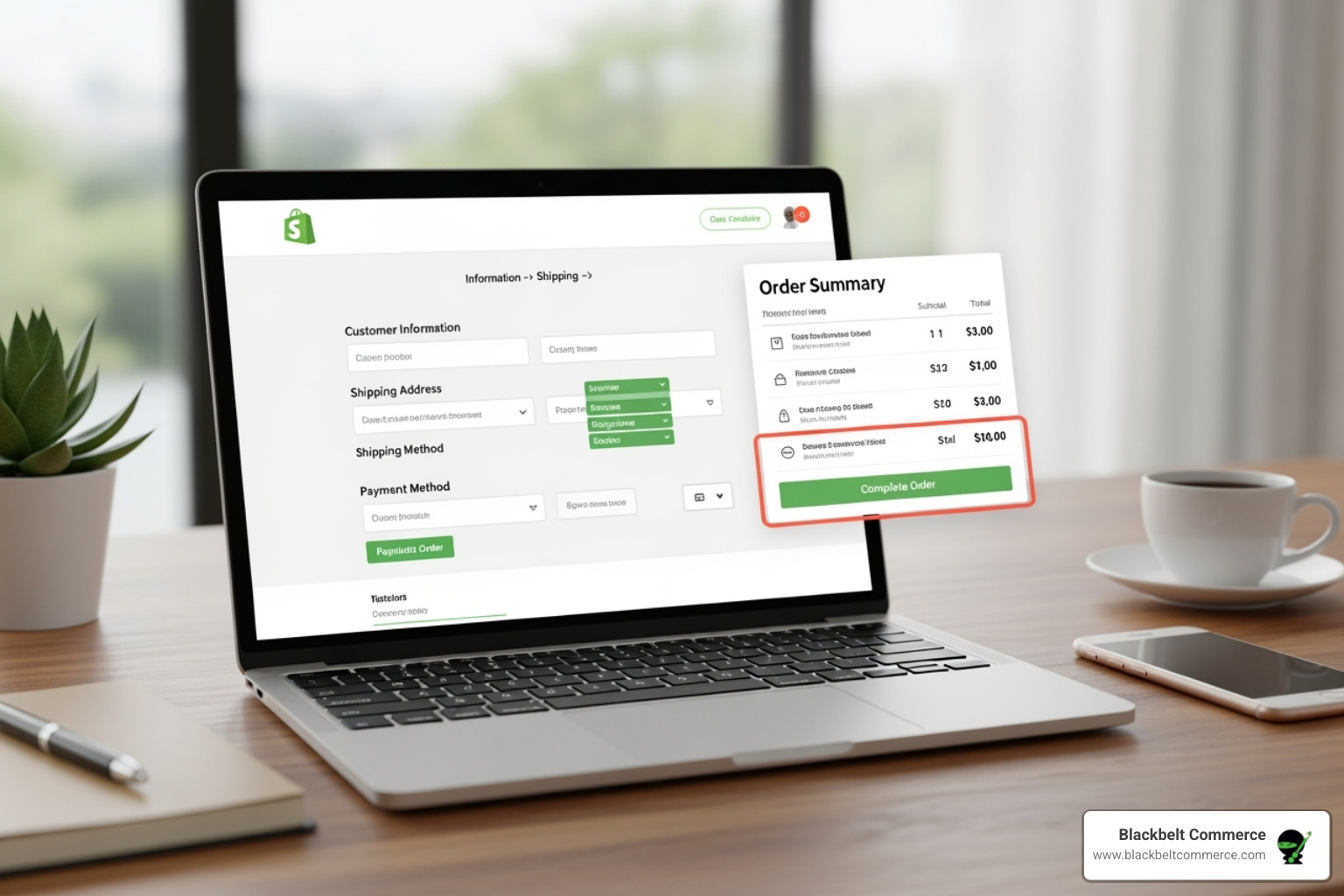
Investing in a custom checkout Shopify solution isn’t just about aesthetics; it’s about optimizing the critical moment when a customer decides to trust you with their money.
A custom checkout maintains brand consistency, streamlines the buying process, and opens up opportunities for upsells and collecting important customer data, turning one-time buyers into loyal fans.
The impact is significant. Shop Pay users already see a 91% higher conversion rate on mobile and a 4X faster checkout. Layering your own customizations on top of that foundation sets you up for serious growth. See what’s possible in our guide on How to Reduce Shopping Cart Abandonment with Shopify Plus. For more revenue-boosting strategies, explore our tips on Make More Shopify Sales.
Enhancing Brand Consistency and User Experience
A checkout page that doesn’t match your site’s branding can make customers hesitate. A custom checkout Shopify experience eliminates this hesitation by creating a seamless journey.
Your checkout is the final chapter of your brand story. When it looks and feels like a natural extension of your site, customers proceed with confidence. Customizing your logo, colors, and fonts is key, and using your brand’s tone maintains the emotional connection.
Beyond visuals, user experience is crucial. A great checkout reduces friction with fewer clicks, clearer shipping information, and simplified forms. Speed is also vital, as faster checkouts reduce the chance for customer distraction. With most people shopping on their phones, a mobile-first checkout is essential, and Shopify’s modern framework ensures a flawless experience on any device.
Get these elements right, and checkout becomes a smooth conclusion to a great shopping experience. Learn more in our guide on Best Design Practices for an E-commerce Store.
Increasing AOV and Conversions
Don’t think of checkout as just the finish line. It’s one of your best opportunities to grow revenue. Customers at checkout are ready to buy, making it the perfect moment to present relevant additions to their order. A custom checkout Shopify setup makes this easy and effective.
For example, a customer buying a jacket could be offered a matching belt at a discount. It’s a helpful suggestion that can be added with one click—that’s smart upselling. Cross-sells work similarly, like offering a screen protector with a phone case. These can significantly increase your Average Order Value (AOV).
Modern checkout customization integrates these offers naturally. Pre-purchase offers appear before payment, while post-purchase apps present one-click offers after the initial purchase, capturing more revenue without disruption. You can also use this space for loyalty program sign-ups or subscription options.
The key is showing the right offer at the right time and making it simple to accept. For more, see our insights on Shopify Conversion Optimization.
Collecting Valuable Customer Information
Standard checkout fields aren’t always enough. Sometimes you need other details to improve operations or customer service. This is where custom fields, easily added with custom checkout Shopify tools, come in.
Use cases include:
- Personalized gift messages: A simple text field lets customers add a note directly with their order.
- Specific delivery instructions: Collect gate codes or other details to prevent delivery issues.
- Order notes: A dedicated space for special requests ensures important customer needs aren’t missed.
- Light surveys: Ask how customers heard about you to gather valuable insights without a separate survey.
This flexibility allows you to collect exactly what your business needs. For step-by-step guidance, see our article on Add Custom Fields to Shopify Checkout.
The New Era: Checkout Extensibility vs. checkout.liquid
For years, Shopify Plus merchants customized their checkout using the checkout.liquid file. It was powerful but risky and required significant skill. Those days are over. Shopify’s Checkout Extensibility is a modern framework that’s more secure, easier to use, and won’t break with Shopify updates—great news for merchants.
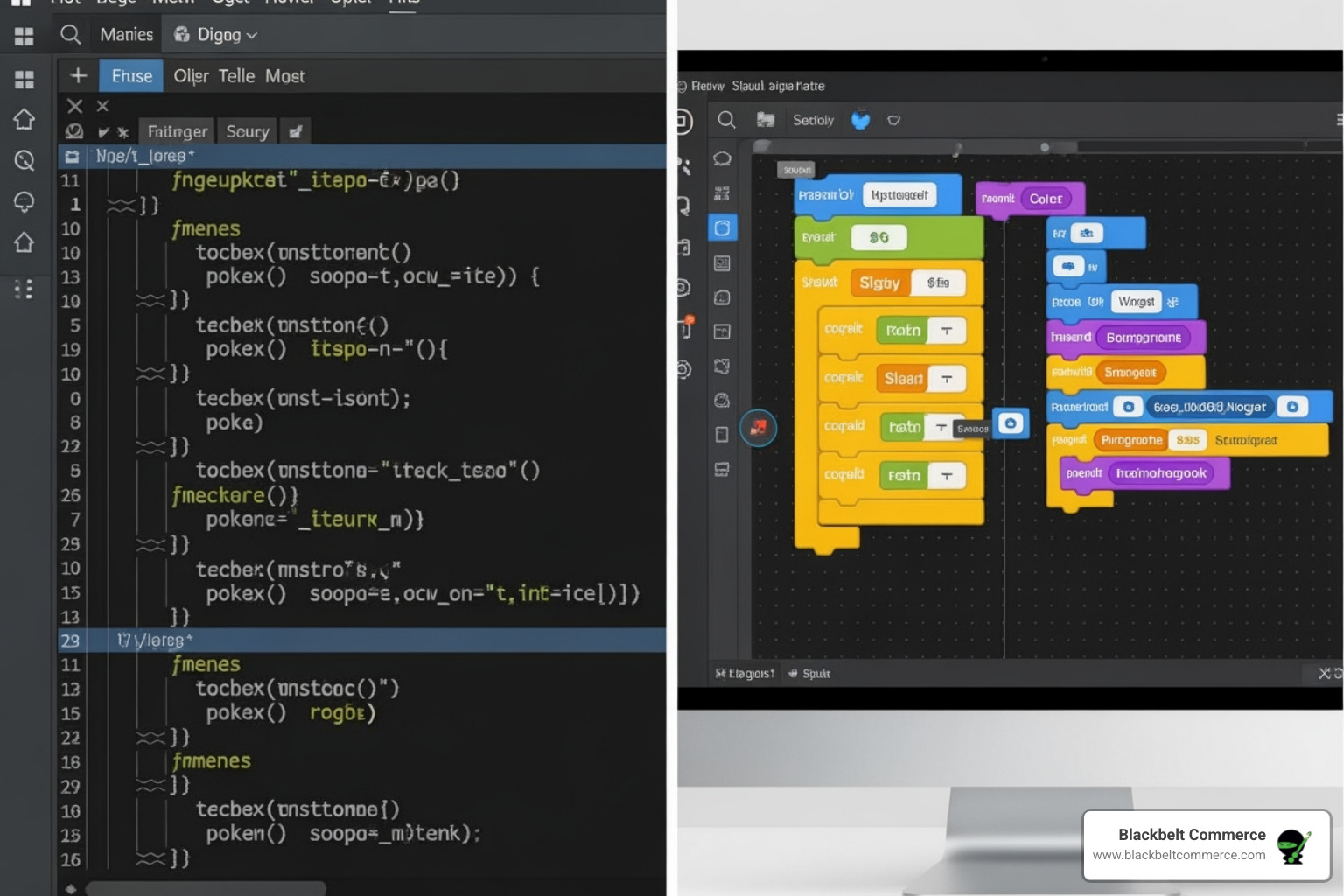
This shift is crucial for Shopify Plus merchants, who now get the same control without the constant worry of their checkout breaking. Plus, it integrates seamlessly with Shop Pay, so you don’t sacrifice performance for personalization.
The Old Way: checkout.liquid Customization
Before Checkout Extensibility, checkout.liquid was the only way for Shopify Plus merchants to deeply customize checkout by directly modifying its code. However, this method was Shopify Plus exclusive and required advanced coding skills.
The biggest headache was that Shopify platform updates often broke these customizations, leading to emergency fixes. Security was also a concern, as custom code could introduce vulnerabilities. These customizations also often conflicted with Shop Pay, preventing merchants from using its 91% higher mobile conversion rate and 4X faster checkout experience.
The freedom of checkout.liquid came at a high price in stability, security, and maintenance.
The Deprecation of checkout.liquid
Shopify has officially deprecated checkout.liquid for the Information, Shipping, and Payment pages, with a mandatory migration deadline of August 13, 2024.
If your store still uses checkout.liquid for these pages, you must migrate to Checkout Extensibility before this date to avoid a broken checkout, lost sales, and frustrated customers.
Shopify is making this change to create a more stable platform. The old method was fragile, even causing a global outage in 2022 due to code conflicts. This deprecation also affects tracking scripts like Google Tag Manager embedded in checkout.liquid. You’ll need to migrate to Shopify’s Web Pixel Extension API or use server-side tracking.
While migrations can seem daunting, this one is an upgrade to a better system. Shopify provides comprehensive guidance at Information on upgrading to Shopify Extensions, and we’ve helped many merchants make this move smoothly.
The Future: Checkout Extensibility
Welcome to the new era of custom checkout Shopify. Checkout Extensibility is Shopify’s stable, secure, and user-friendly solution, available on most Shopify plans (excluding Shopify Starter).
Instead of editing code files, you now use purpose-built apps and a visual editor. The biggest win is that customizations are upgrade-safe by design. When Shopify updates its platform, your checkout customizations continue to work without needing emergency fixes.
Security is also dramatically improved, and the architecture is optimized for speed. Crucially, everything integrates seamlessly with Shop Pay. You get both a branded, custom checkout and Shop Pay’s accelerated experience.
The contrast is clear: Checkout Extensibility is stable, accessible, and secure, whereas checkout.liquid was fragile, exclusive, and risky. Instead of direct coding, you now use UI Extensions (visuals), Shopify Functions (backend logic), Web Pixels (tracking), and the GraphQL Admin API (integrations). These tools are more approachable than the old methods.
This is Shopify’s commitment to providing powerful, reliable customization tools, opening up possibilities that were previously too risky.
A Guide to Custom Checkout Shopify Methods & Technologies
Now that you know the why, let’s cover the how. Shopify has made it easier than ever to create a personalized checkout, regardless of your technical skill or plan.
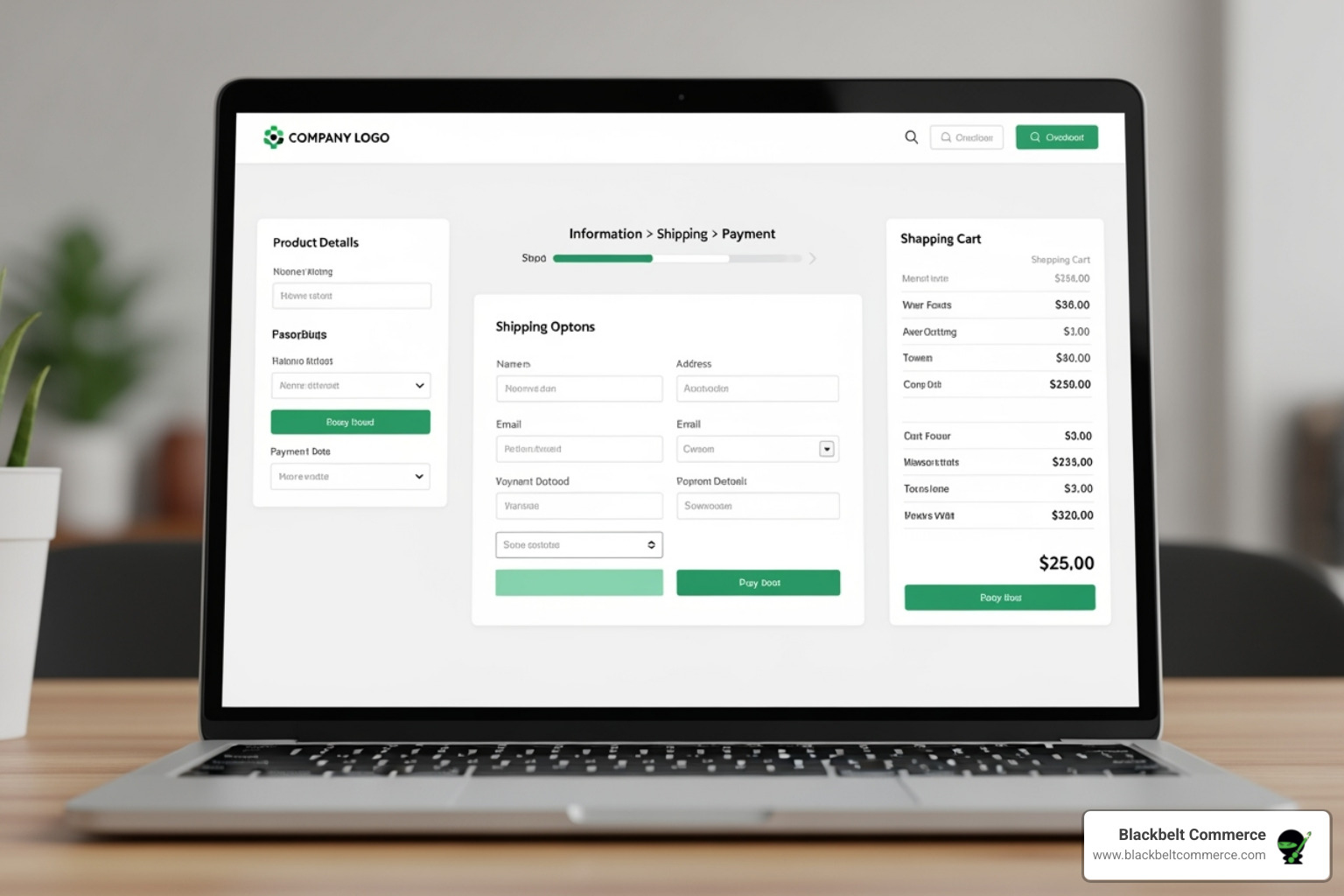
Shopify’s Checkout Extensibility offers a suite of tools. You can start with the visual Checkout Editor, add features with apps and extensions, use Shopify Functions for custom logic, or, for Plus merchants, leverage the GraphQL Admin API for deep customization.
Basic Branding with the Checkout Editor
Every custom checkout Shopify journey starts here. The Checkout Editor, available on Basic Shopify and higher, is a user-friendly tool in your admin for straightforward branding—no code needed.
It lets you manage the look of your checkout, thank you, and order status pages. Here, you can add your logo, customize your colors, select fonts, and even add a background image to match your brand’s visual identity.
These touches are powerful trust signals. A consistent look and feel reassures customers they’re in the right place. This is the perfect starting point for any store, as it takes minutes and delivers immediate impact.
Advanced Functionality with Apps and Extensions
Once you’ve handled basic branding, add powerful functionality using Shopify’s Extension ecosystem.
-
Checkout UI Extensions are modular components that add features like free shipping banners, gift message fields, or product suggestions. They integrate seamlessly, are upgrade-safe, and maintain high performance. You can explore UI extensions in the Shopify App Store.
-
Shopify Functions let you extend Shopify’s backend logic with your own custom rules. For example, Functions can handle complex discount logic, dynamic shipping rates, or hiding/renaming payment methods. Many of these capabilities are available through public apps built with Shopify Functions.
-
Web Pixel Extensions replace risky third-party tracking scripts with a secure method for collecting customer events. This allows you to track key actions from “Add to Cart” to “Purchase” without compromising security or speed. Learn about web pixel app extensions to see how they work.
Shopify Plus Exclusive Customizations
For Shopify Plus clients, customization possibilities expand even further with tools for enterprise-level control.
The GraphQL Admin API, specifically the Checkout Branding API, allows for granular branding control beyond the visual editor, like setting exact button border radii.
The real game-changer for Plus merchants is the ability to build custom apps with Shopify Functions from scratch. This is crucial for unique business requirements that no existing app can address, like complex discount systems or intricate shipping rules.
We’ve used these capabilities to create unique checkout experiences for enterprise clients. Learn more in our Shopify Plus Customize Checkout Guide. The bottom line is that Shopify’s modern toolkit has you covered, from basic branding to fully custom solutions, all while being upgrade-safe, secure, and compatible with Shop Pay.
Getting Started: Implementation and Finding Support
Starting your custom checkout Shopify journey is manageable with the right approach. At Blackbelt Commerce, we break it down into clear, actionable steps. The beauty of Checkout Extensibility is its accessibility. Whether you prefer a DIY approach or expert guidance, there’s a path forward.
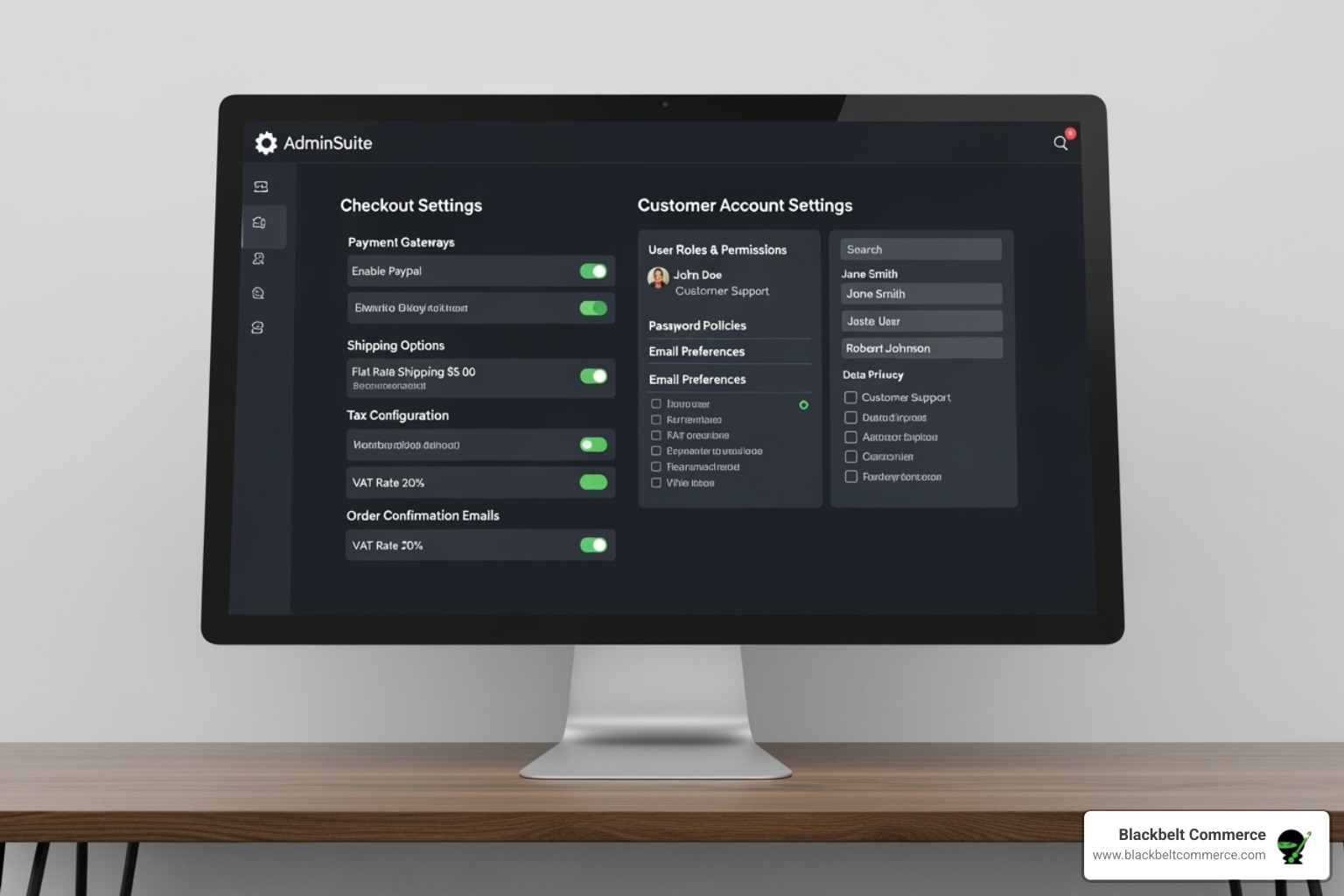
A Practical Walkthrough for Your Custom Checkout Shopify Setup
Here’s a typical walkthrough for setting up a custom checkout using Shopify’s modern tools.
- Plan: Review your current checkout to identify friction points. If you’re a Plus merchant on
checkout.liquid, audit your setup for migration. - Explore Apps: Go to the Shopify App Store to find specialized tools for features like upsells, custom fields, or loyalty rewards.
- Configure in the Editor: In the Checkout Editor (Settings > Checkout), drag and drop app blocks, add branding, and arrange everything visually—no code needed. You can work in a draft checkout to experiment safely.
- Customize Payments & Delivery: Install specific apps, then configure them in your Shopify Settings to reorder, rename, or hide options. Plus merchants have advanced options like setting payment terms at checkout.
- Enforce Rules: To limit purchase quantities or require specific fields, use a third-party app that supports validations.
- Test: Place test orders on different devices to ensure everything works smoothly before going live. This step is crucial.
- Publish: When ready, publish your new custom checkout shopify experience.
Ensuring Your Customizations are Secure and Future-Proof
A common merchant concern is whether customizations will break during Shopify updates. Checkout Extensibility solves this. The framework is built to be upgrade-safe, so your customizations continue working seamlessly through Shopify’s updates.
The integration with Shop Pay is another massive win. Shop Pay offers a 91% higher mobile conversion rate and 4x faster checkouts. Checkout Extensibility works harmoniously with Shop Pay, so you get both branding and performance.
Performance is also key. The modular nature of Checkout Extensibility is optimized for speed, which reduces cart abandonment. With checkout.liquid deprecated, Checkout Extensibility is the only path forward, ensuring your store remains compliant, secure, and ready for the future.
Where to Find Help and Resources
Even with user-friendly tools, questions can arise. Fortunately, resources are available.
- The Shopify Help Center is your first stop for official documentation, guides, and FAQs.
- The Shopify Developer Documentation is invaluable for technical details on building custom apps and using APIs.
- The Shopify App Store is also a resource. Browsing apps can spark ideas and show you what’s possible.
- For complex projects, partner with experts. At Blackbelt Commerce, we specialize in these customizations. We handle the technical work, ensuring your checkout is secure, upgrade-safe, and aligned with your business goals. Expert guidance often saves time and money.
Conclusion: Lift Your Brand with a Perfected Checkout
Your checkout is more than a transaction point—it’s where relationships are built and revenue is decided. A perfected checkout is a critical conversion tool that demands strategic attention.
The shift from checkout.liquid to Checkout Extensibility is a turning point for merchants. What was once a risky, code-heavy process is now a modern, accessible framework combining powerful branding, seamless UX, and advanced functionality—all while being secure, performant, and compatible with Shop Pay.
Whether you want to reduce cart abandonment, boost AOV with upsells, or collect customer insights, the tools are now at your fingertips. The value is in a strategic approach that creates an experience that feels uniquely yours while driving business results.
However, creating a high-performing custom checkout Shopify experience requires expertise. It’s about knowing where to place an upsell, how to word a custom field, and which apps to integrate without sacrificing speed.
For businesses seeking a unique, high-performing checkout, partnering with an expert agency like Blackbelt Commerce open ups your store’s full potential. With over 15 years of experience helping 1000+ businesses, we build strategic checkout experiences designed for success.
Your checkout is the final, critical step in the customer journey. Ready to transform it into a revenue-generating powerhouse?
Unlock Peak Performance with Shopify Store Optimization Services
Contact our Shopify Plus experts today
Quick Answer: Custom checkout shopify
Customizing checkout in Shopify should make the buying path clearer, faster, and more trustworthy without adding unnecessary friction. The right approach depends on the merchant’s Shopify plan, checkout constraints, payment needs, brand requirements, and conversion data.
Want a sharper Shopify growth plan?
If this article connects to a current store decision, use the calendar to book a strategy call and turn the idea into a practical plan.
Key Takeaways
- Custom checkout shopify should answer the reader’s immediate question and then connect the advice to a practical Shopify business decision.
- The article should feel specific, useful, and worth sharing rather than like a generic SEO insert.
- Internal links should reinforce the home page, Shopify experts, Shopify Plus agencies, and the most relevant service pages.
- The commercial bridge should connect the topic to the Shopify Growth, CRO, and Store Optimization cluster without interrupting the educational flow.
- The same-page Calendly CTA should let qualified readers book a strategy call without leaving the article.
How this connects to your Shopify growth strategy
This article should remain useful for readers researching Custom checkout shopify, but it also needs to show when the topic becomes a business decision. For the Shopify Growth, CRO, and Store Optimization cluster, the commercial bridge is practical: once the reader understands the concept, the next step is deciding whether their current Shopify setup can support the desired experience, conversion path, and operational workflow. That is where expert planning, design, development, CRO, and SEO support can turn the idea into measurable store improvements.
Want a sharper Shopify growth plan?
Use this guide as a decision tool. Then book a strategy call when you want a practical roadmap for your store.
Related Shopify resources
These internal resources support the Shopify Growth, CRO, and Store Optimization topic cluster and help connect this guide to stronger commercial next steps:
- Shopify CRO
- Shopify experts
- Shopify Plus agencies
- Shopify CRO — Parent service page for the reader’s next commercial step
- Blackbelt Commerce — Home-page authority link for brand and core Shopify expertise
- Shopify experts — Money-page link requested for expert-hiring intent
- Shopify Plus agencies — Money-page link requested for high-growth and Plus-agency intent
- Shopify custom development — Development service page for implementation and technical help
- Shopify checkout optimization — Related conversion article
- Shopify conversion optimization — Related CRO article
Questions store owners ask before taking action
Why does Custom checkout shopify matter for Shopify merchants?
Custom checkout shopify matters when it affects customer trust, store performance, conversion, operations, or the ability to grow without avoidable rework.
What should the reader do first?
They should identify the business goal, review the current customer journey, and decide which improvement would have the clearest impact.
How do internal links help this article?
Internal links connect the educational topic to related service pages, Shopify experts, Shopify Plus agency support, and deeper resources.
When is expert help useful?
Expert help is useful when the decision affects revenue, SEO, conversion, integrations, technical implementation, or a high-risk store change.
How does this article support lead generation?
It educates first, then gives qualified readers a same-page option to book a strategy call when they need help applying the advice.
Future articles needed for topical dominance
To build deeper topical authority around this cluster, these supporting topics should be created later and linked back into this article:
- Custom Checkout Shopify Checklist for Shopify Store Owners: Creates a practical support article that turns the Shopify Growth, CRO, and Store Optimization topic into an actionable review tool.
- Common Custom Checkout Shopify Mistakes and How to Avoid Them: Captures problem-aware searches and gives BBC a natural place to explain implementation risks without hard selling.
- When to Hire Shopify Experts for Custom Checkout Shopify: Connects informational demand to the expert-hiring money page while preserving educational intent.
Want a sharper Shopify growth plan?
Ready to turn the advice in this article into an action plan? Open the calendar here and choose a time that works for you.

